How-To Guides · Online safety
Fake "Your Computer Is Infected" Pop-Up? How to Spot a Tech Support Scam
A loud warning pops up. Your computer is infected! Call this number now! Stop. That's a scam. Here's how to spot it, and what to do, from the FTC.
1. Rule 1: Never Call The Number
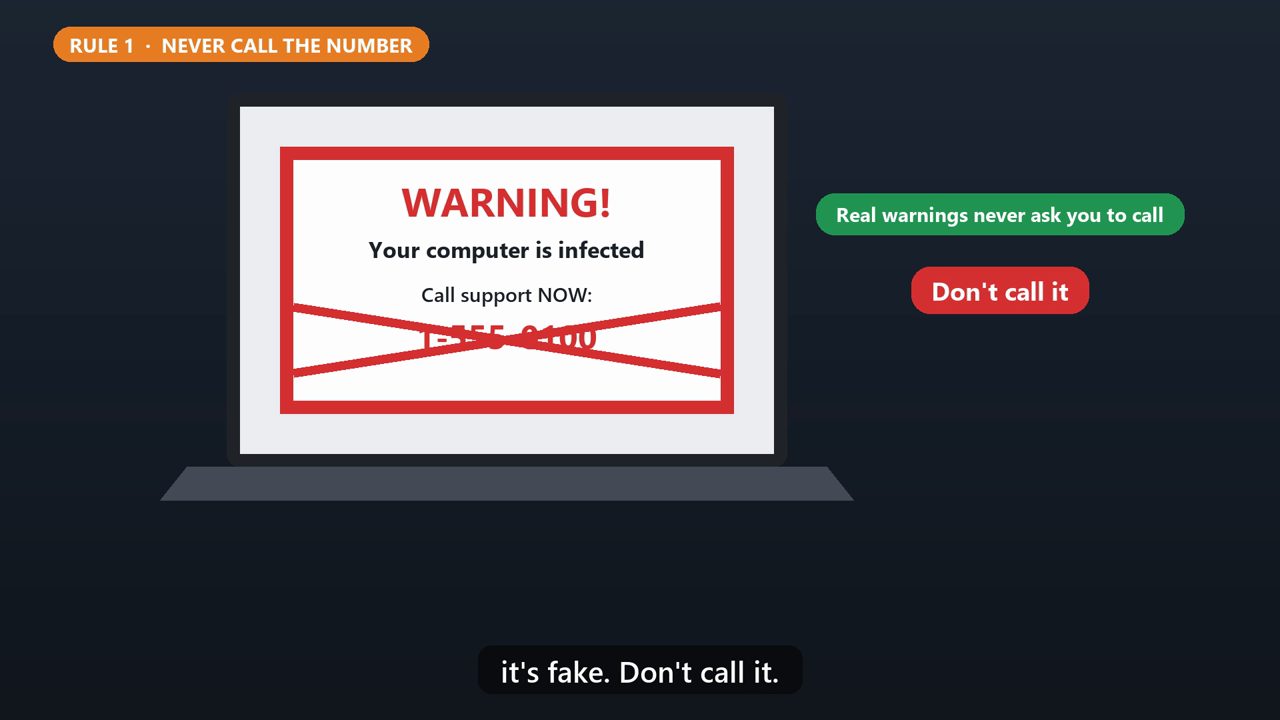
Real security warnings will never ask you to call a phone number. If a pop-up does, it's fake. Don't call it.
2. Rule 2: They Don'T Call You
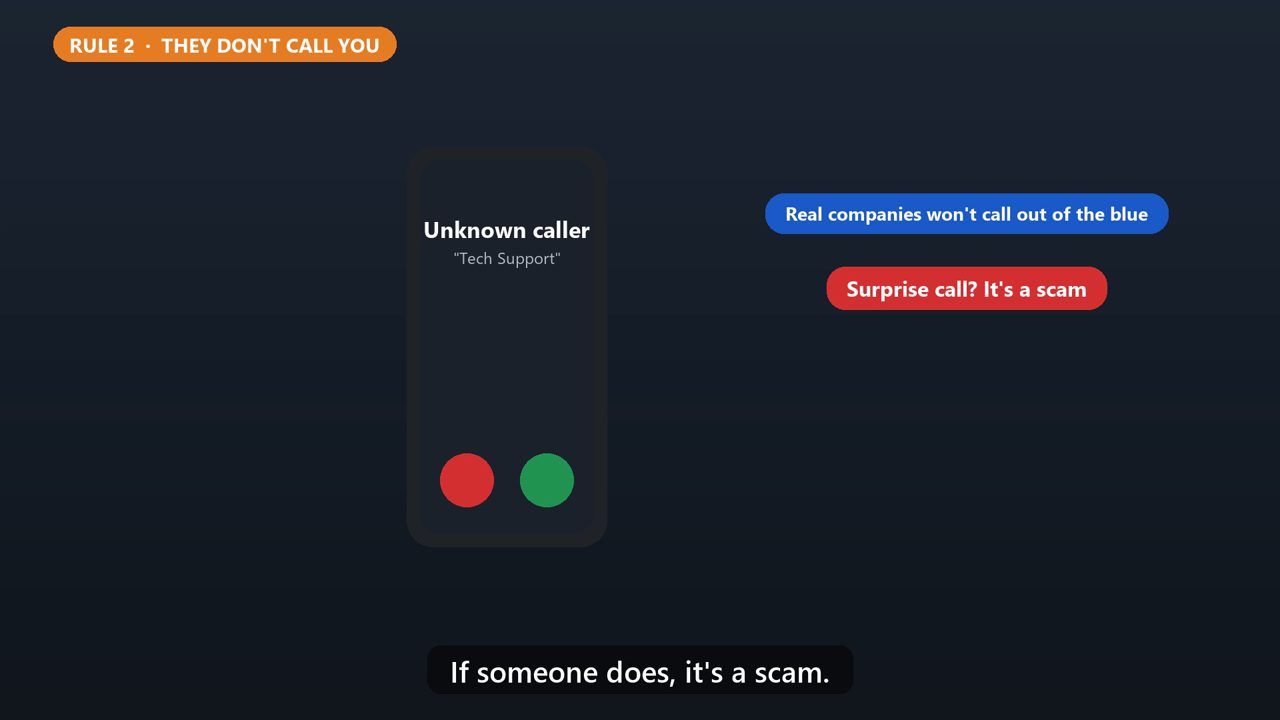
Real tech companies won't contact you out of the blue, by phone, email, or text, to say something's wrong with your computer. If someone does, it's a scam.
3. Rule 3: No Remote Access
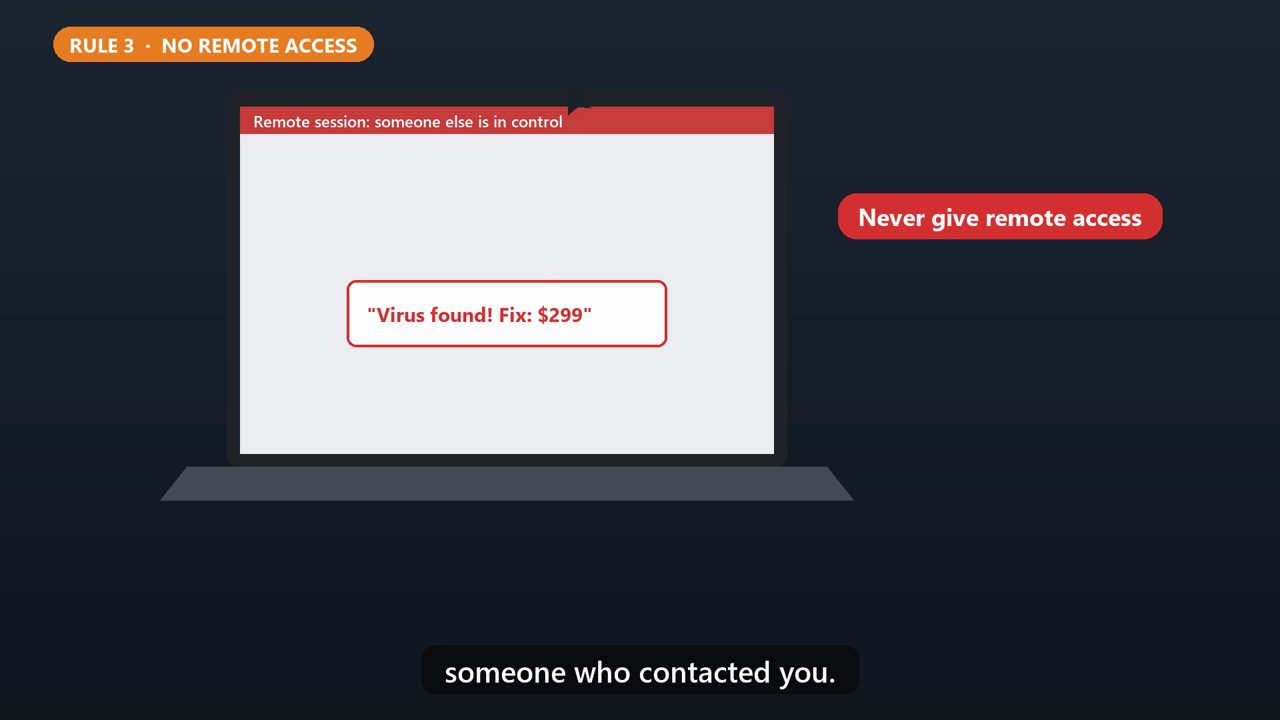
Scammers want you to let them control your computer remotely. Then they fake a problem, and charge you to fix it. Never give remote access to someone who contacted you.
4. Red Flag: How They Want Payment
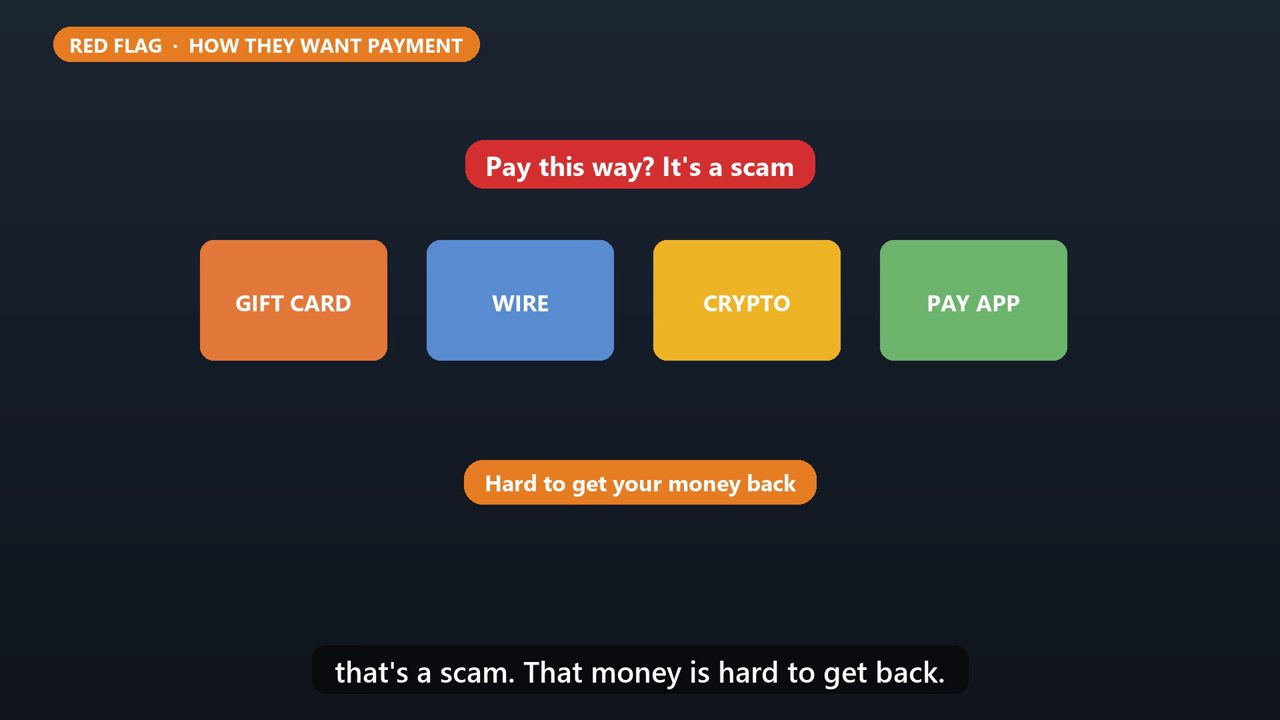
And if they ask you to pay with gift cards, a wire transfer, crypto, or a payment app, that's a scam. That money is hard to get back.
5. Already Fell For It?
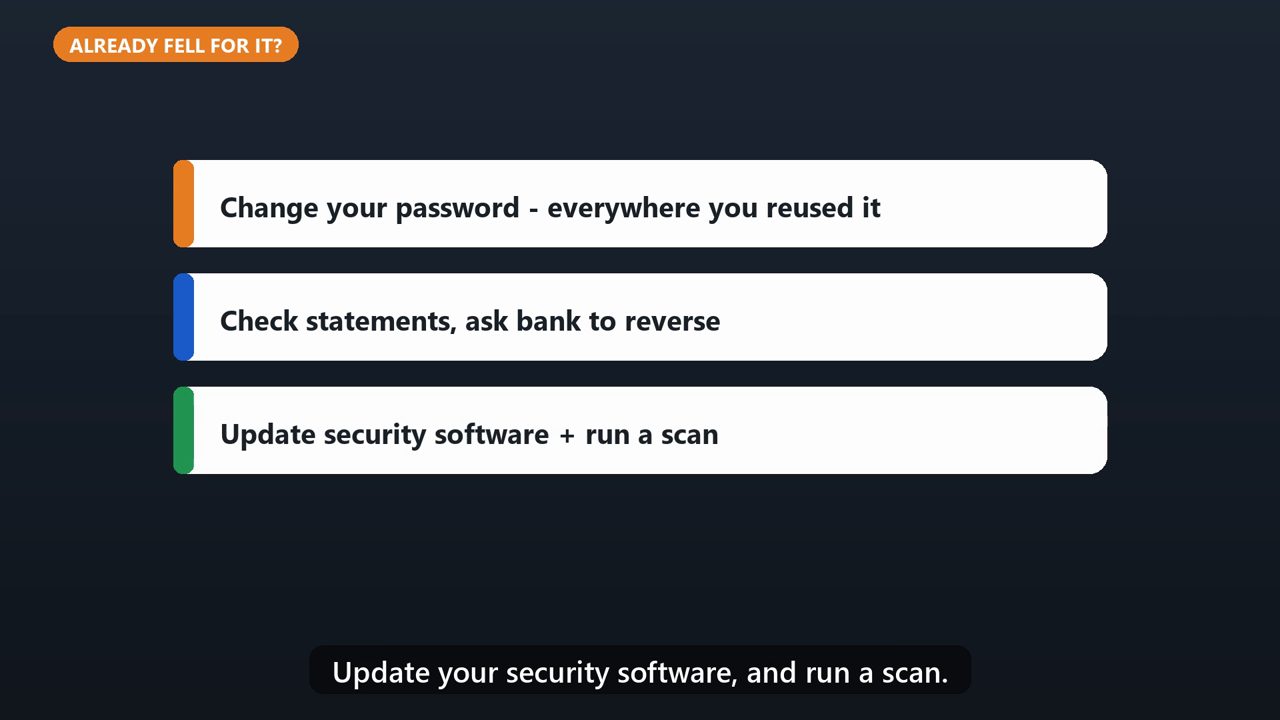
Change your password right away, and anywhere else you used it. Check your bank and card statements, and ask your bank to reverse charges. Update your security software, and run a scan.
6. Report It
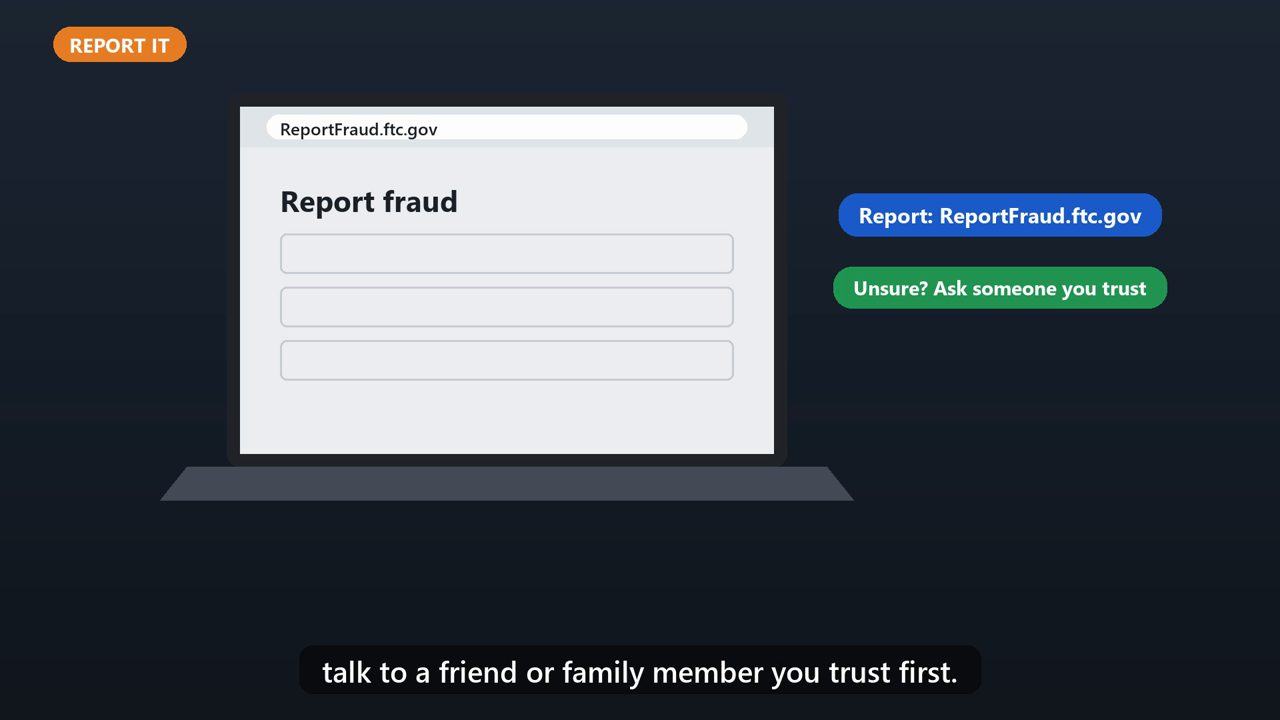
Then report it at ReportFraud.ftc.gov. And if you're ever unsure, talk to a friend or family member you trust first.
Tools that make this easier
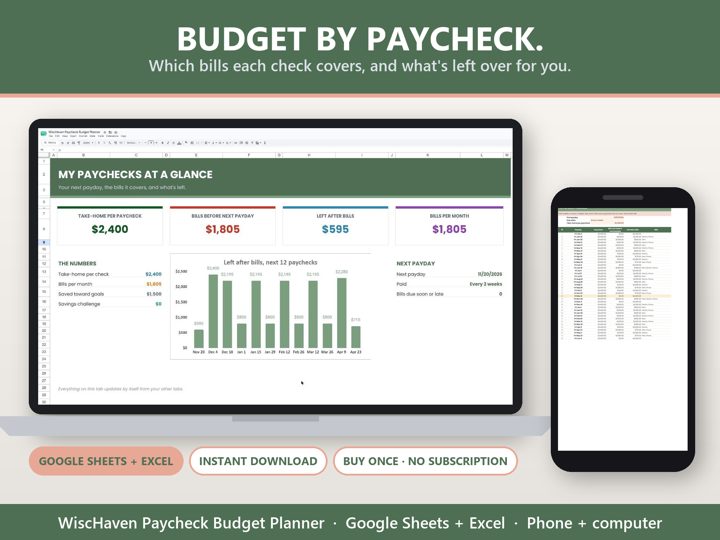
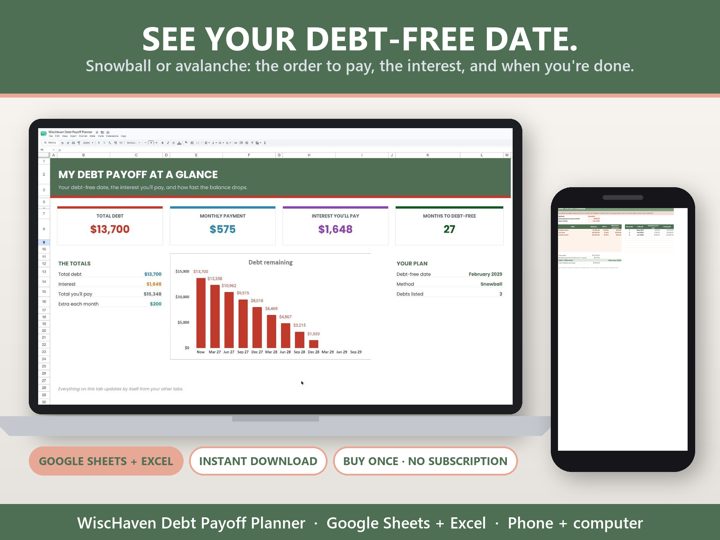
Simple Google Sheets + Excel tools from WiscHaven. Buy once, no subscription.

Sources
Checked against the official sources above. Steps can change as apps update - tell us if something looks different: wischavenindustries@gmail.com