How-To Guides · Online safety
How a Password Manager Works (and How to Start Using One)
Using the same password everywhere is risky. If one site leaks it, your other accounts are at risk too. A password manager fixes that. Here's how it works, following the federal cyber agency, CISA.
1. What Makes A Strong Password
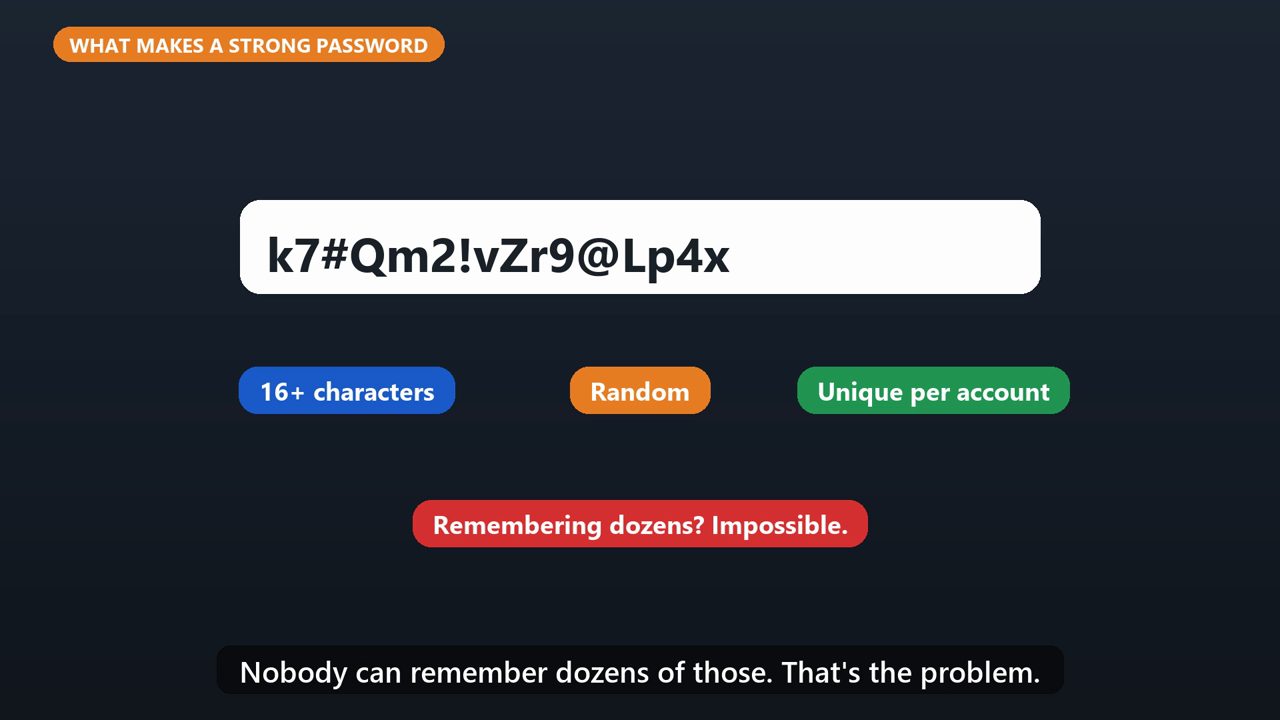
CISA says a strong password is long, at least sixteen characters. Random. And unique, a different one for every account. Nobody can remember dozens of those. That's the problem.
2. What A Password Manager Does
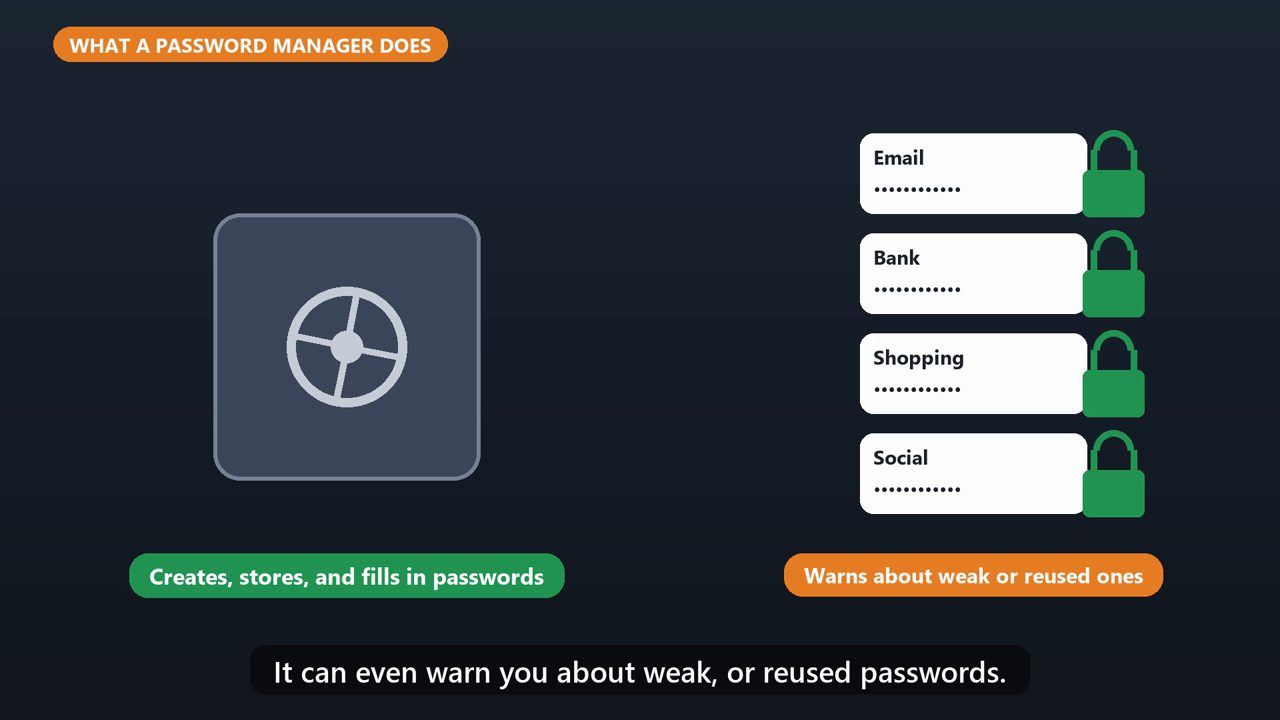
A password manager creates strong passwords for you, stores them safely, and fills them in when you log in. It can even warn you about weak, or reused passwords.
3. One Password To Remember
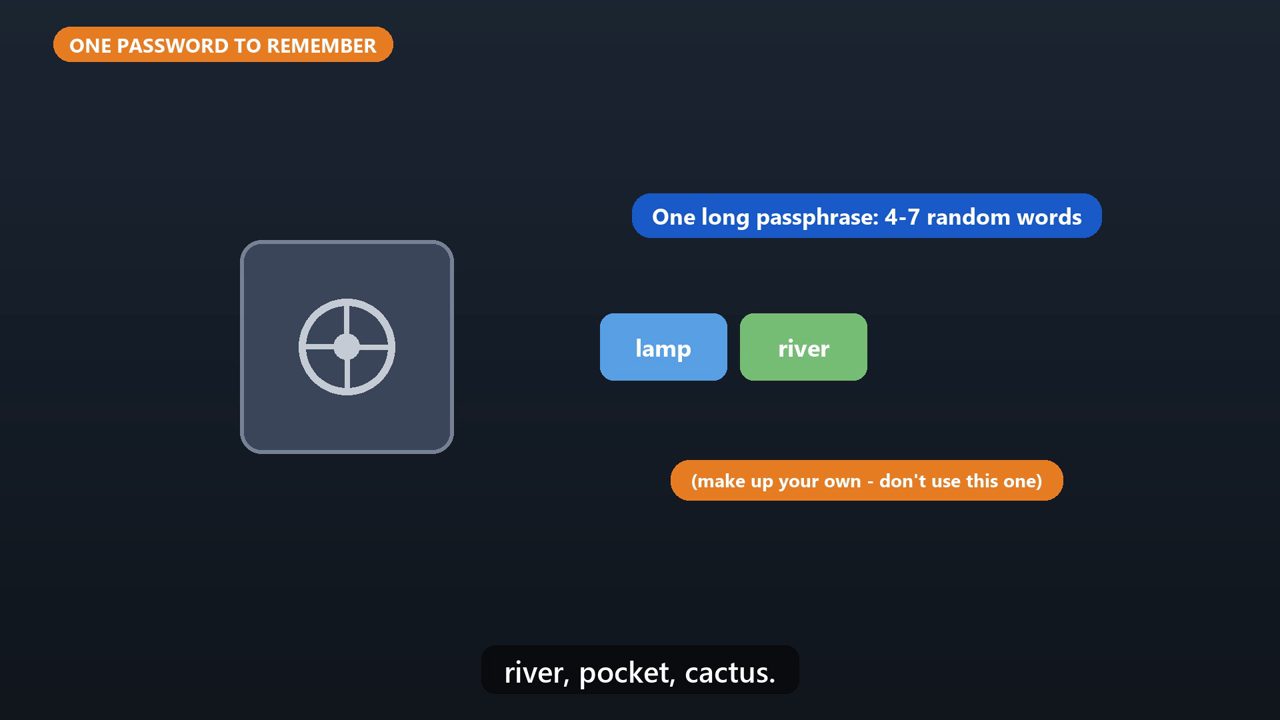
You only remember one master password. Make it a long passphrase, four to seven random words strung together, like lamp, river, pocket, cactus.
4. How To Pick One
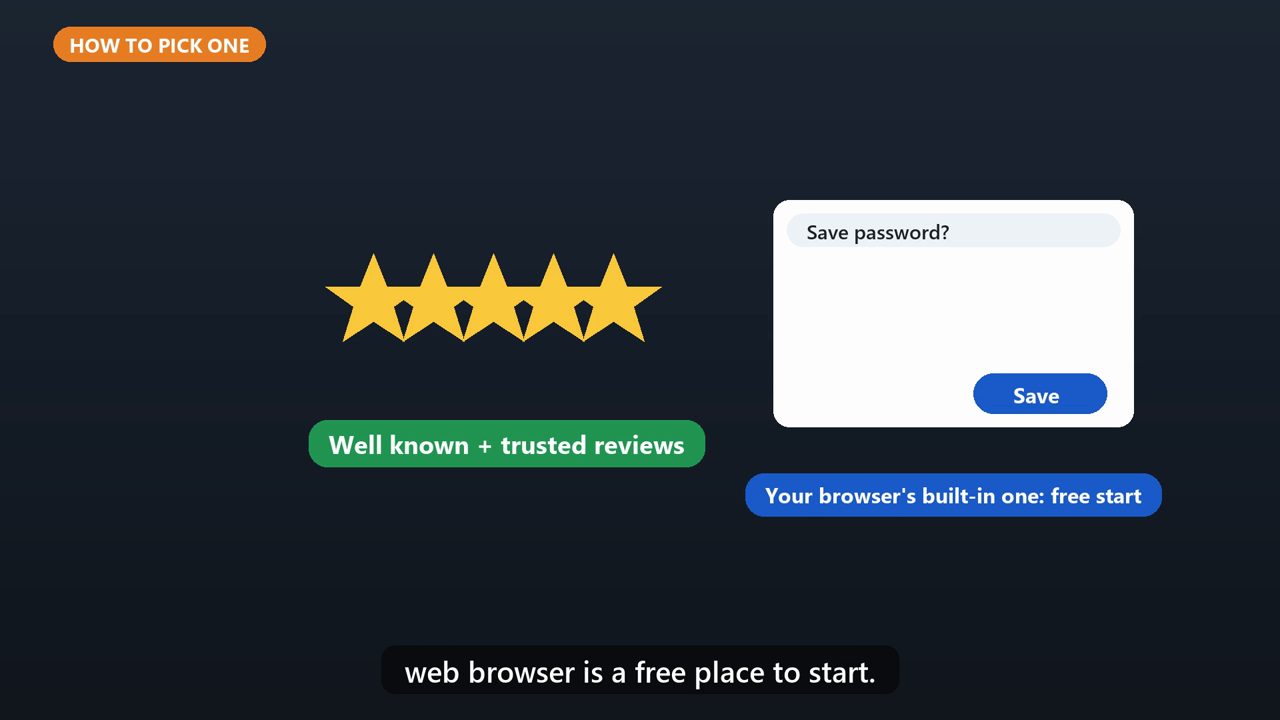
Choose a well known one, and check trusted reviews first. The password manager built into your web browser is a free place to start.
5. One More Layer
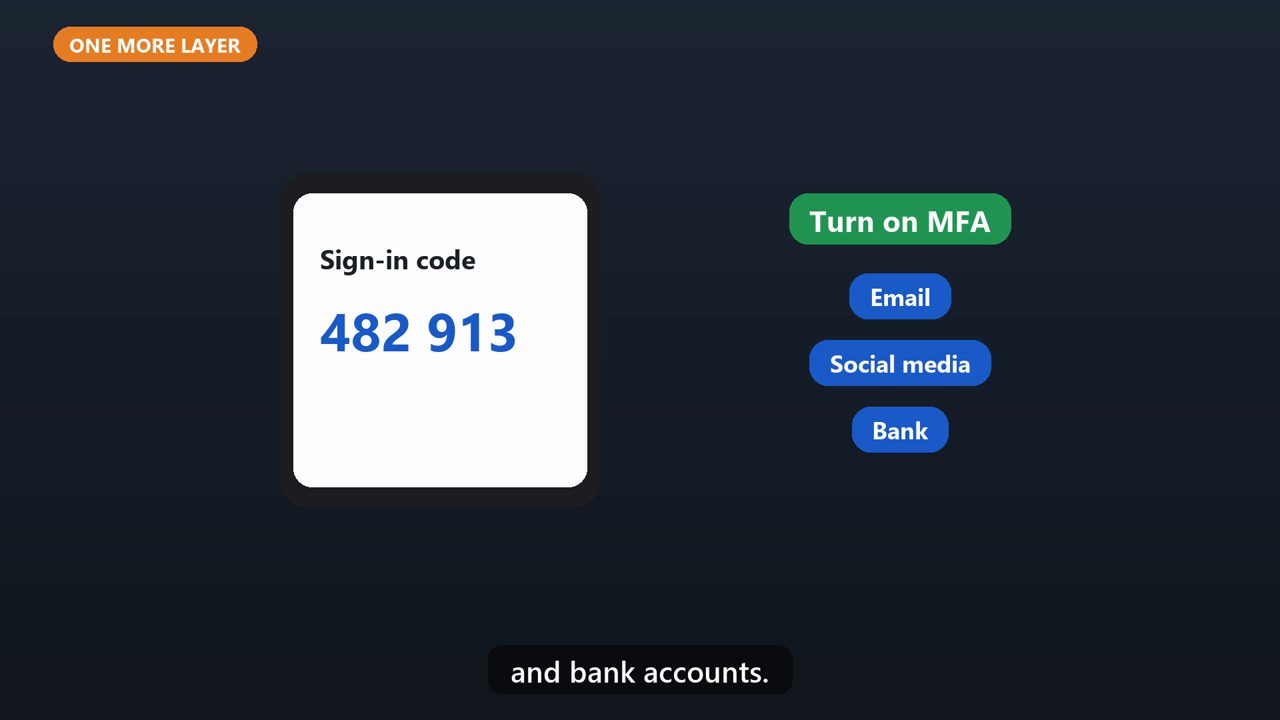
Then turn on multi factor authentication, especially for your email, social media, and bank accounts.
Tools that make this easier
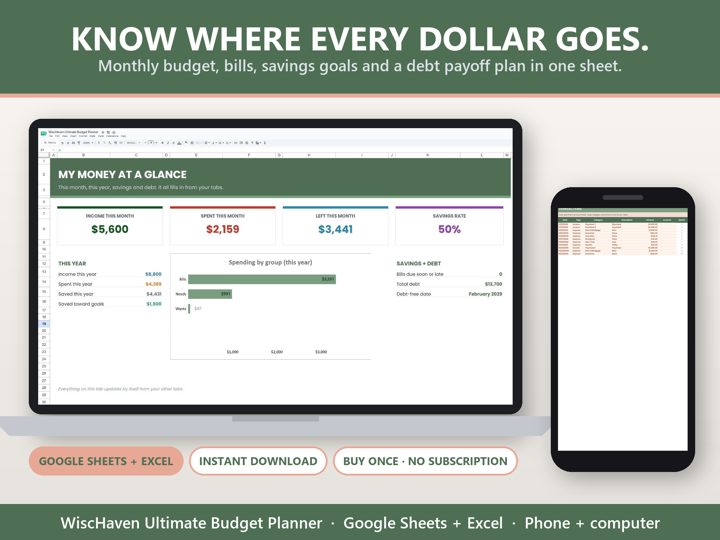
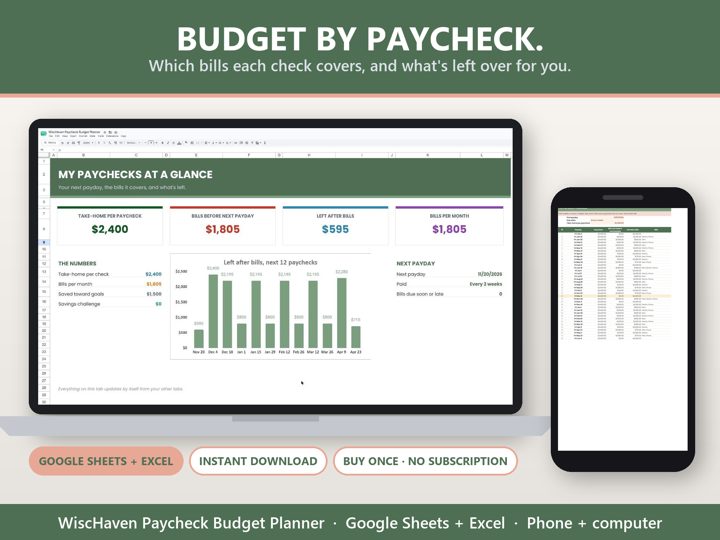
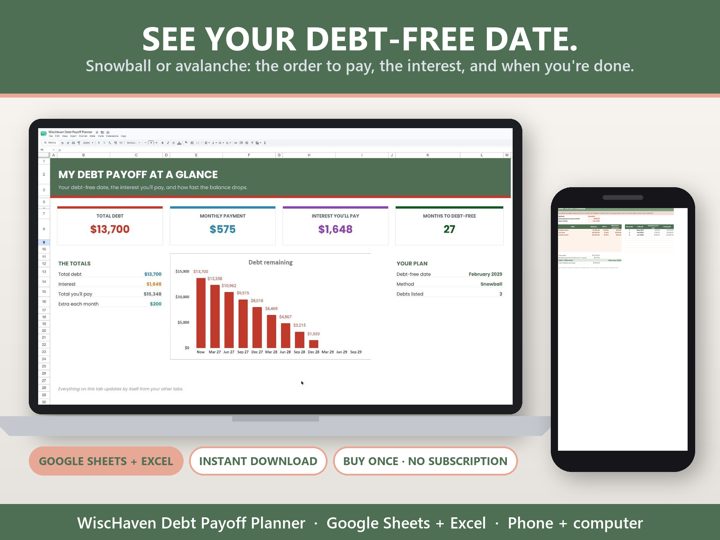
Simple Google Sheets + Excel tools from WiscHaven. Buy once, no subscription.
Sources
Checked against the official sources above. Steps can change as apps update - tell us if something looks different: wischavenindustries@gmail.com