How-To Guides · Tech help
How to Back Up Your Windows 11 PC (Built-In Windows Backup)
If your computer died today, would your photos and files be gone? Windows 11 has a built in backup. Here's how to turn it on, step by step, from Microsoft's own instructions.
1. Step 1: Microsoft Account
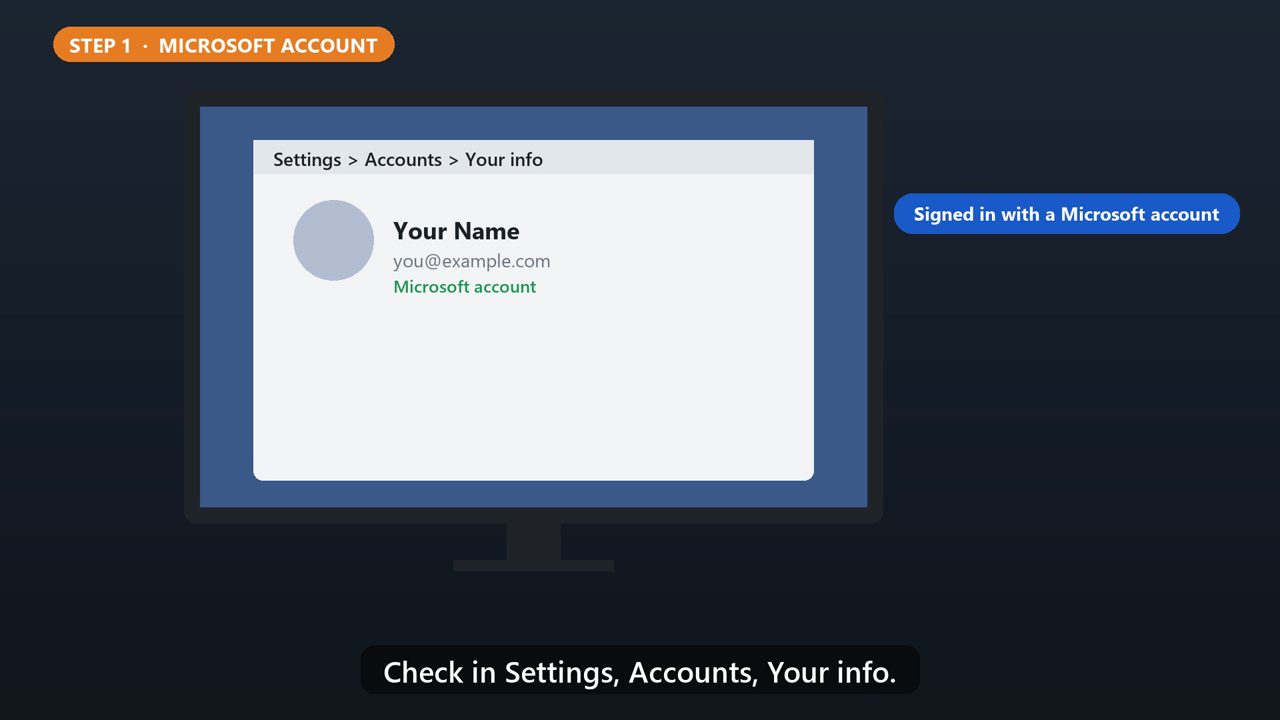
First, you need to be signed in with a Microsoft account. Check in Settings, Accounts, Your info.
2. Step 2: Open Windows Backup
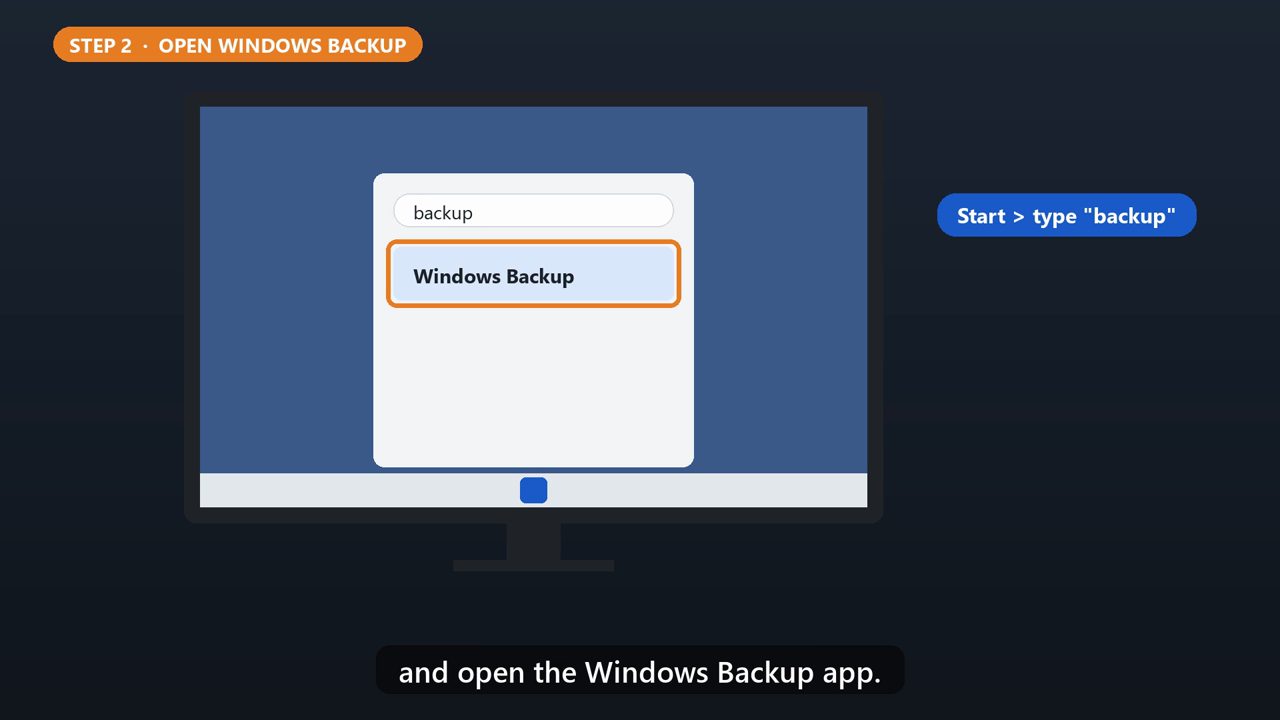
Click Start, type backup, and open the Windows Backup app.
3. Step 3: Pick Your Folders
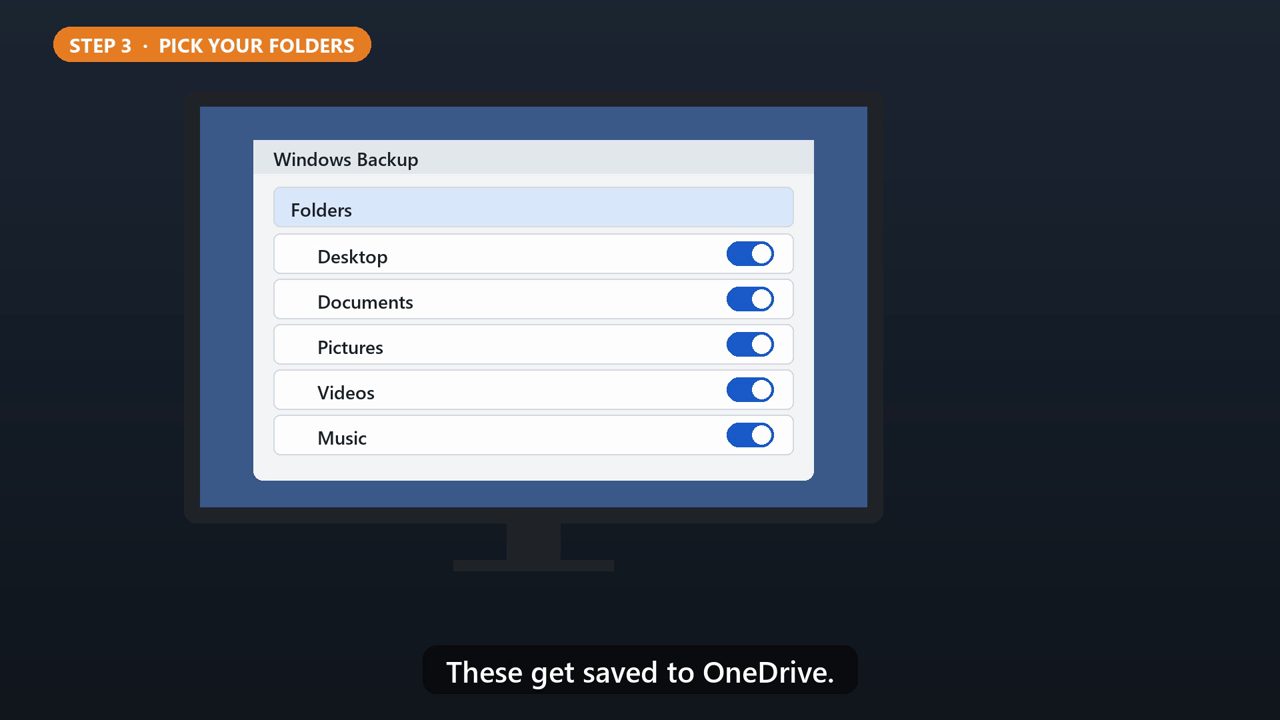
Open Folders, and turn on the ones you want: Desktop, Documents, Pictures, Videos, and Music. These get saved to OneDrive.
4. Step 4: Apps + Settings
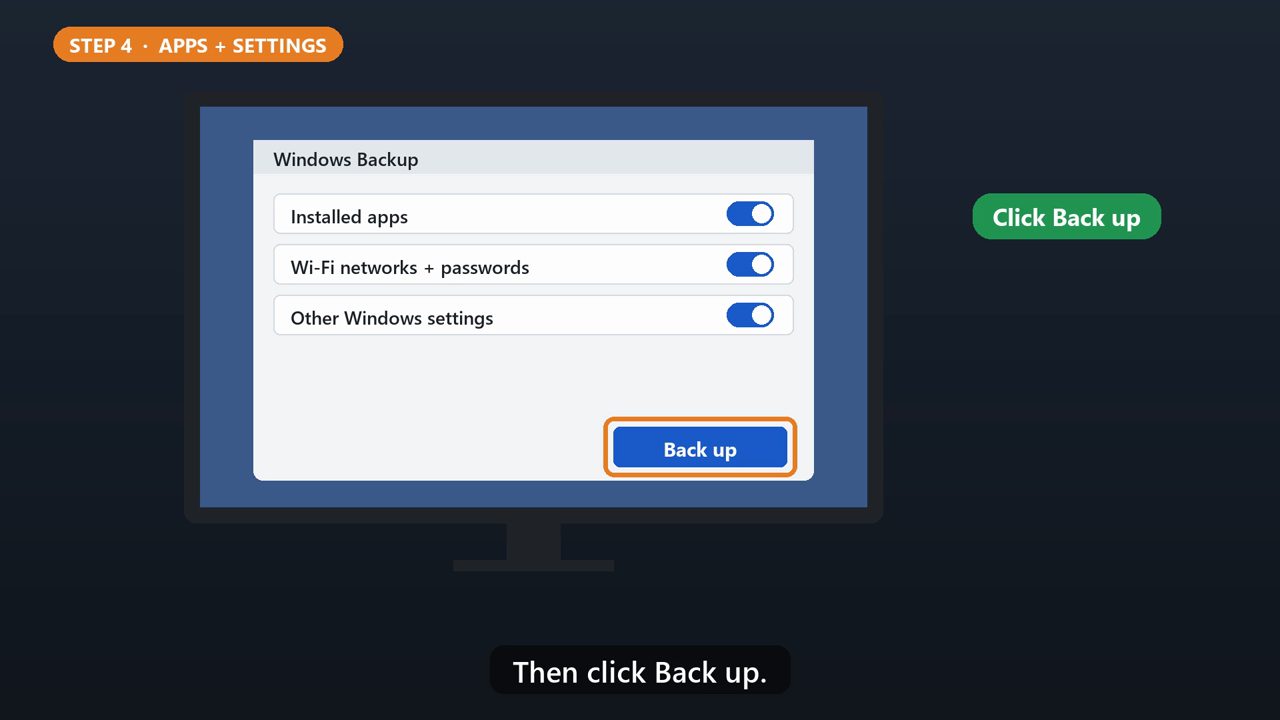
You can also back up your apps, Wi-Fi networks and passwords, and other settings. Then click Back up.
5. Good To Know

A free Microsoft account comes with 5 GB of OneDrive storage. If a backup fails, make sure you're signed in to OneDrive, and have enough space.
6. Getting It Back
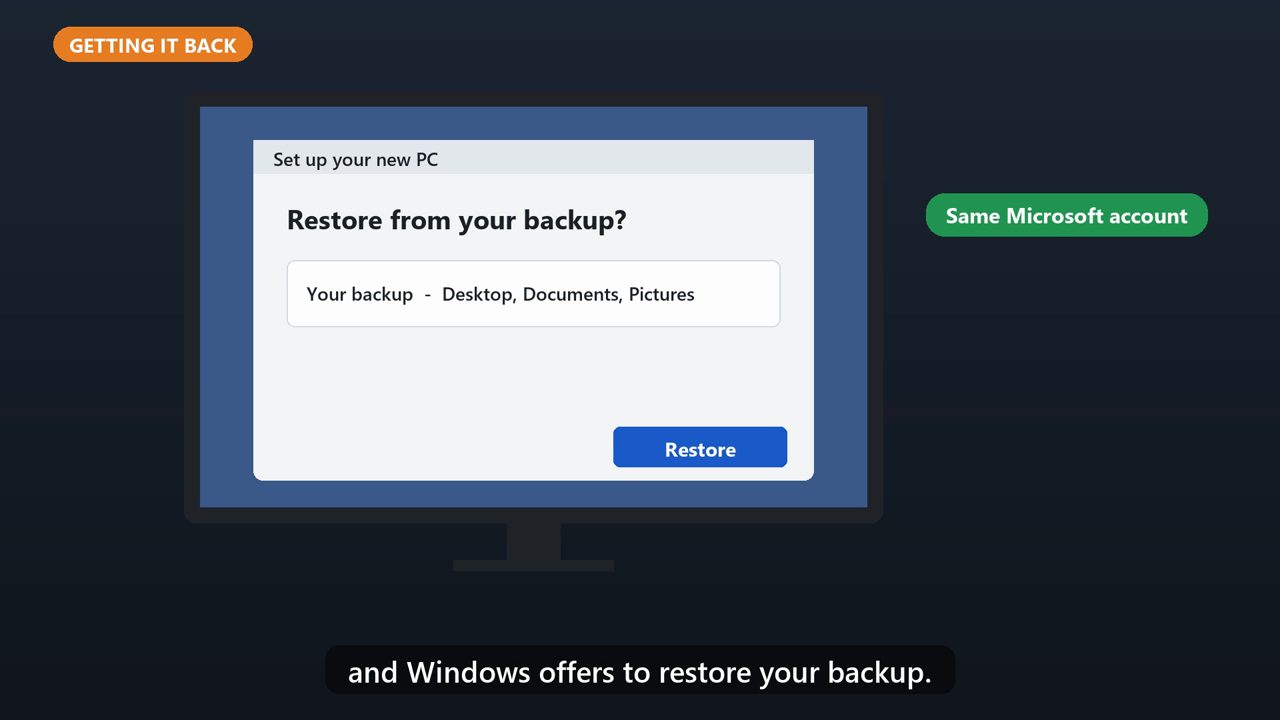
On a new PC, sign in with the same Microsoft account during setup, and Windows offers to restore your backup.
Tools that make this easier
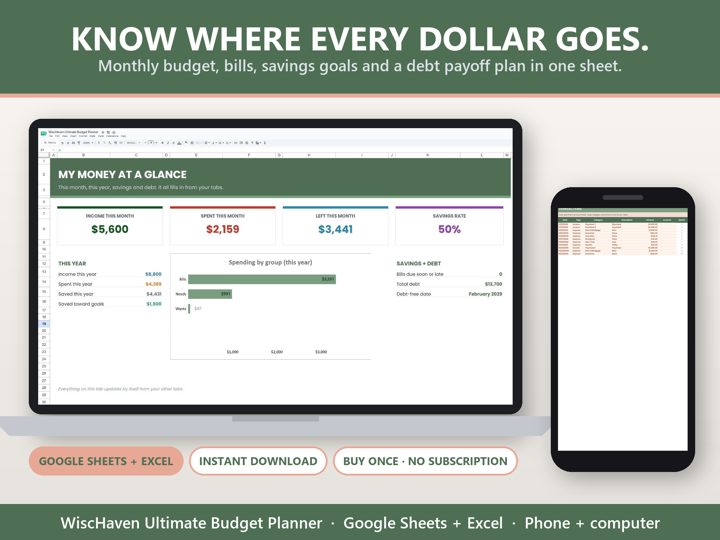
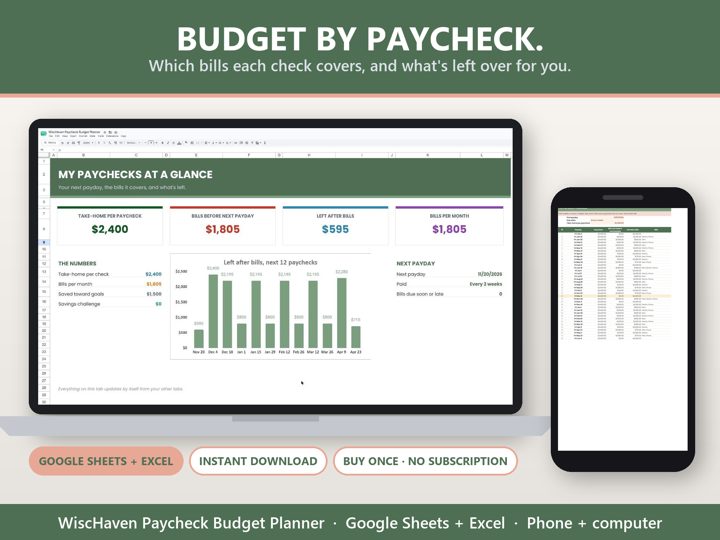
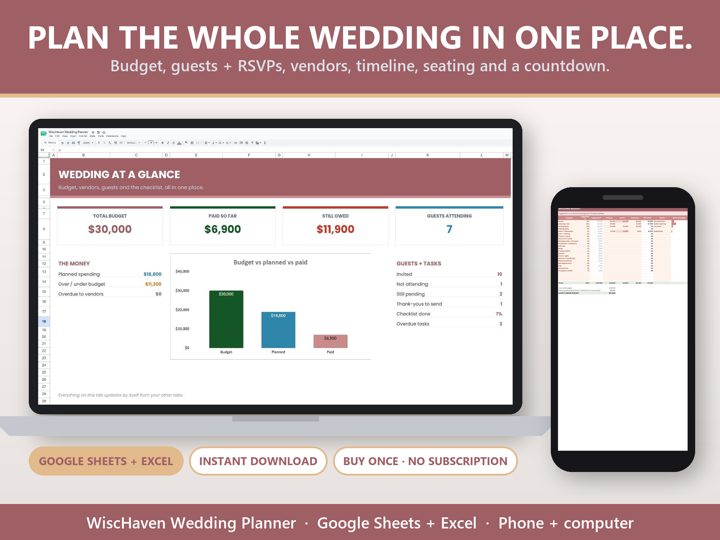
Simple Google Sheets + Excel tools from WiscHaven. Buy once, no subscription.

Sources
Checked against the official sources above. Steps can change as apps update - tell us if something looks different: wischavenindustries@gmail.com