How-To Guides · Online safety
How to Make a Strong Password You Can Actually Remember
If your password is something like 12345, your pet's name, or your birthday, it's one of the first things a hacker will try. Here's how to make a password that's truly strong, but still easy for you to remember.
1. Rule 1: Make It Long
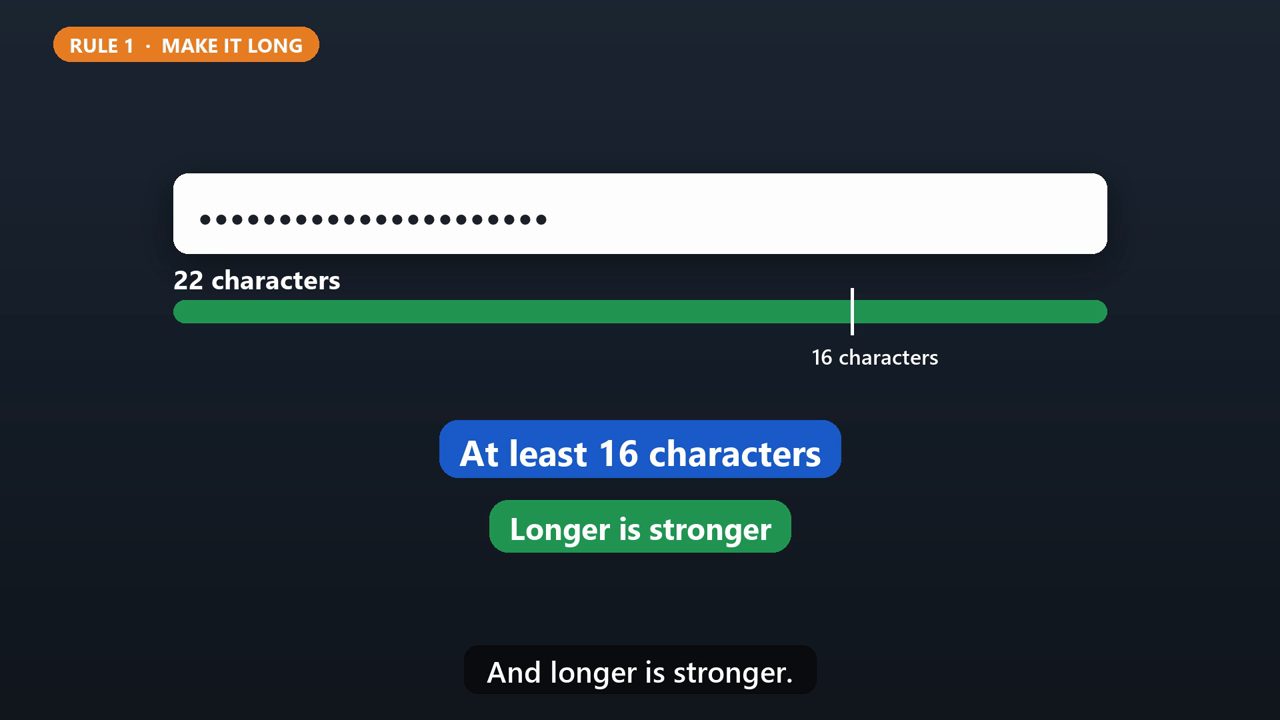
Rule one. Make it long. The U.S. Cybersecurity and Infrastructure Security Agency recommends at least sixteen characters. And longer is stronger.
2. Rule 2: Use A Passphrase
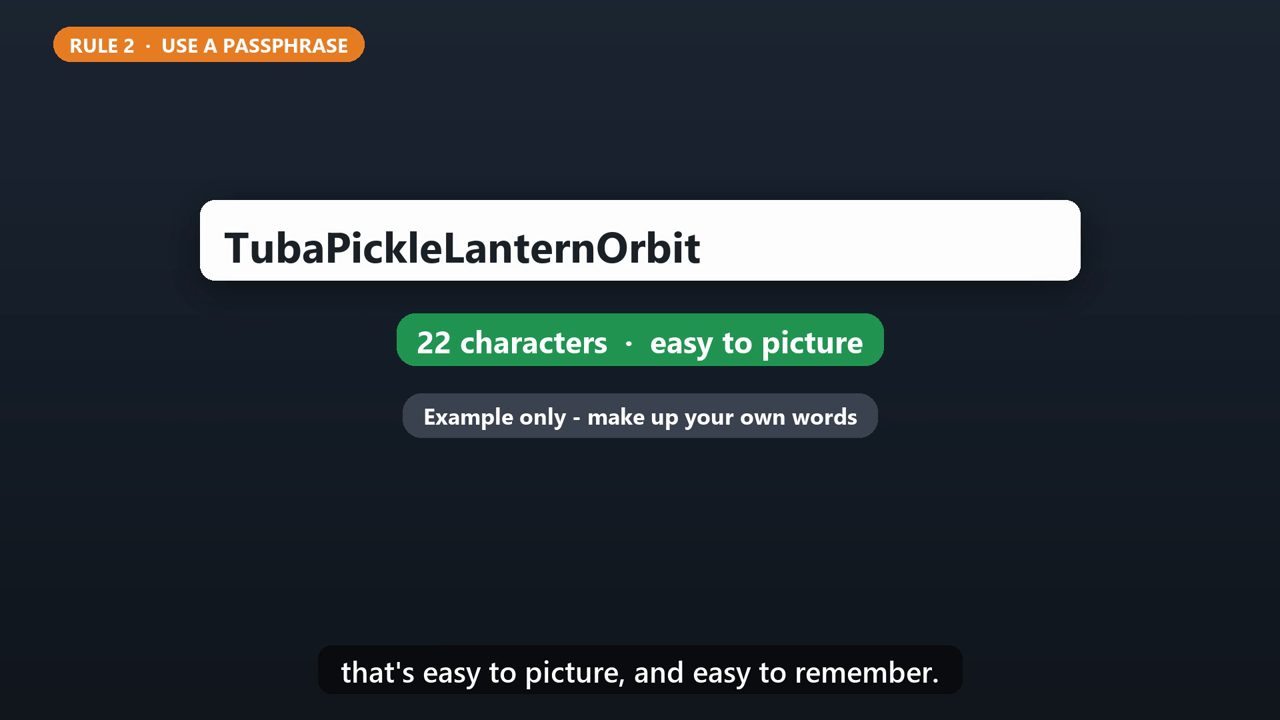
Rule two. Sixteen random characters are hard to remember, so use a passphrase instead. Pick four to seven words that have nothing to do with each other, like tuba, pickle, lantern, orbit. Put them together, and you get a long password that's easy to picture, and easy to remember.
3. Rule 3: One Password Per Account
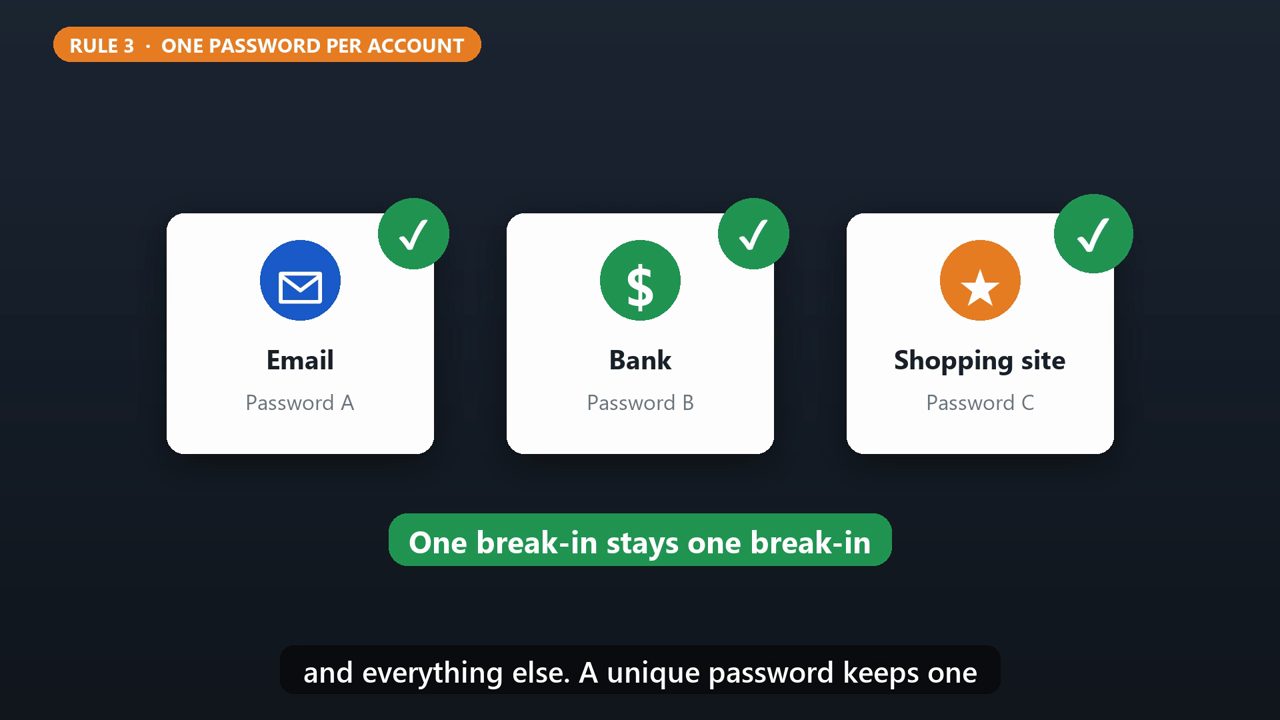
Rule three. Use a different password for every account. If one website gets hacked and you used that same password, criminals can try it on your email, your bank, and everything else. A unique password keeps one break-in from becoming many.
4. The Easy Way: A Password Manager
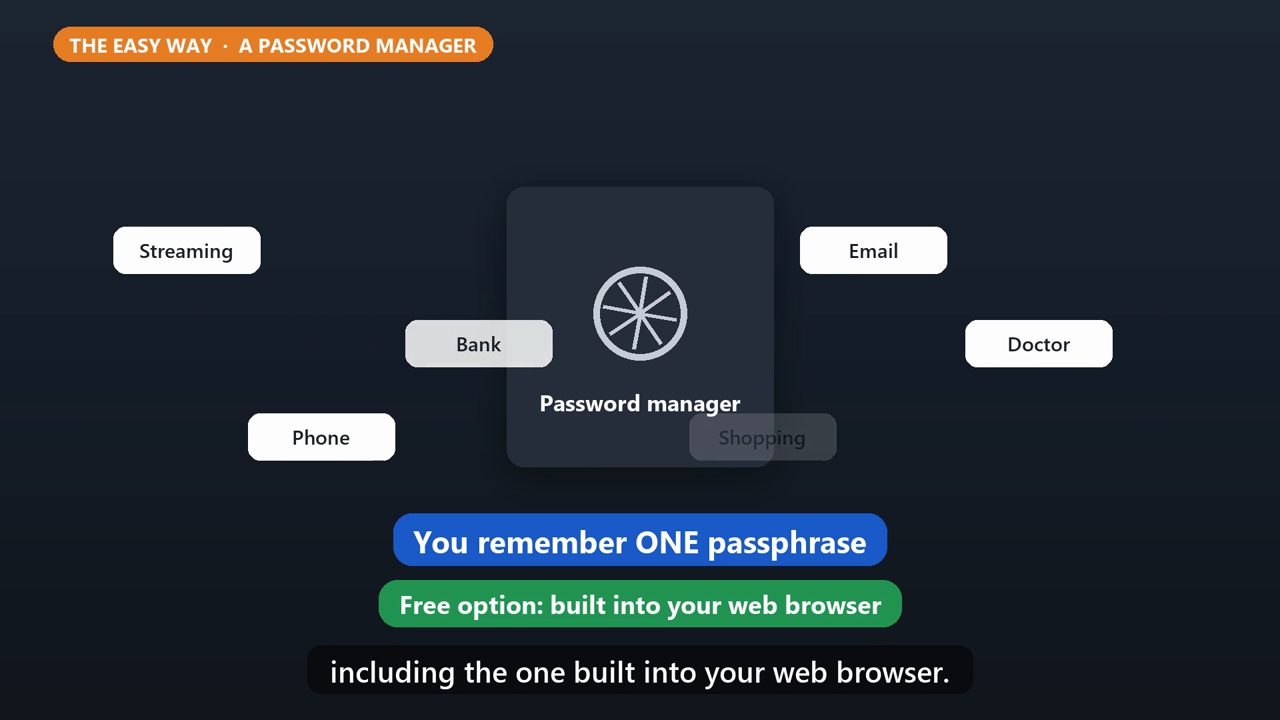
Can't remember a different password for everything? You don't have to. A password manager remembers them for you, and can create strong ones automatically. You only need to remember one passphrase, the one that opens the manager. Some are free, including the one built into your web browser.
5. Bonus: Turn On 2-Step Verification
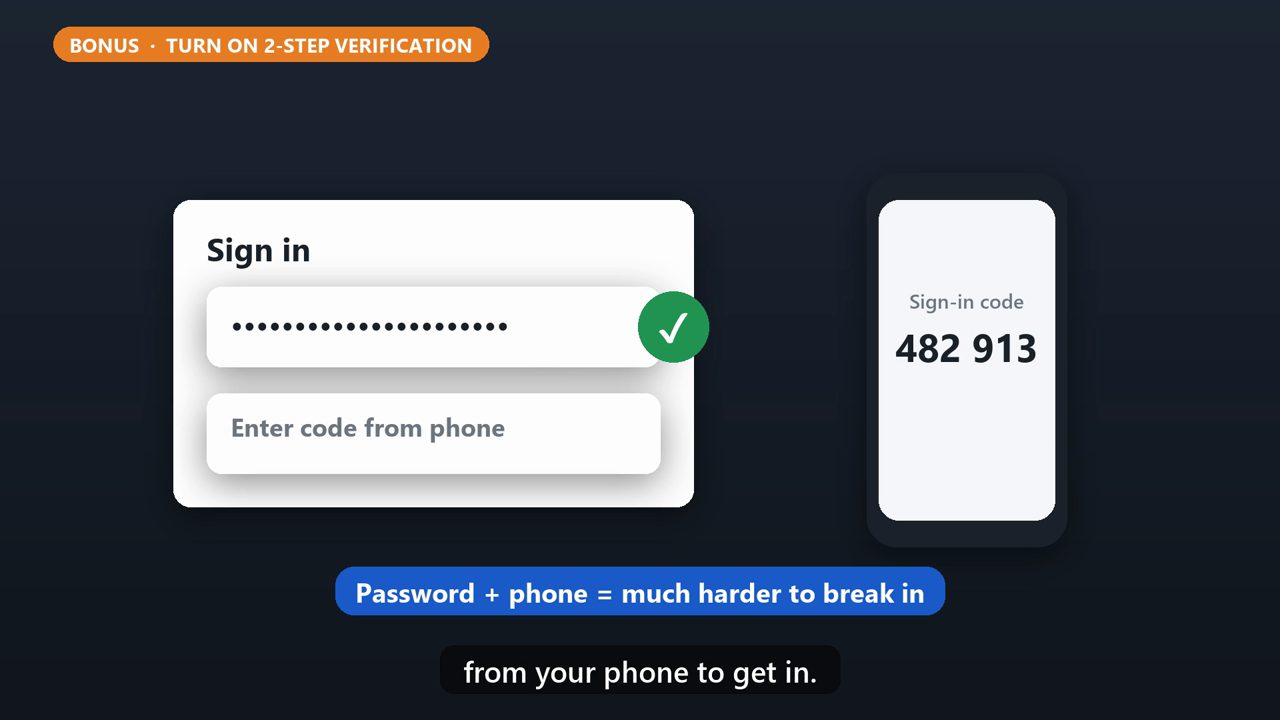
One more layer. Turn on two-step verification, also called MFA, especially for your email, social media and bank accounts. Then even if someone gets your password, they'd still need the code from your phone to get in.
Tools that make this easier
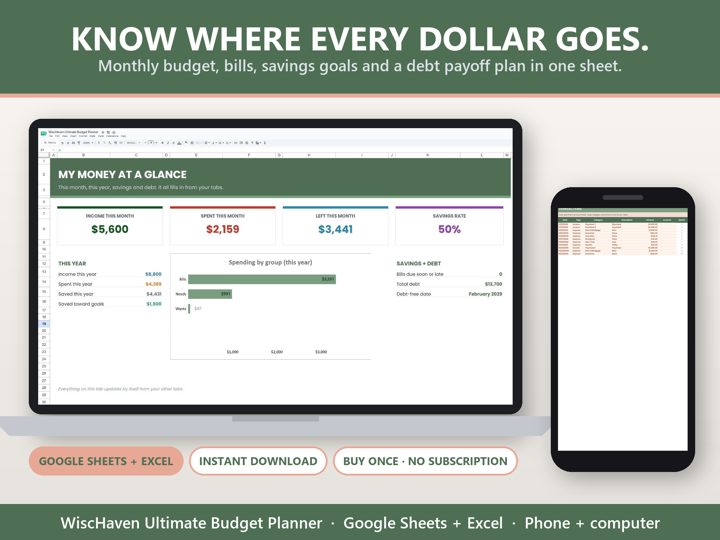
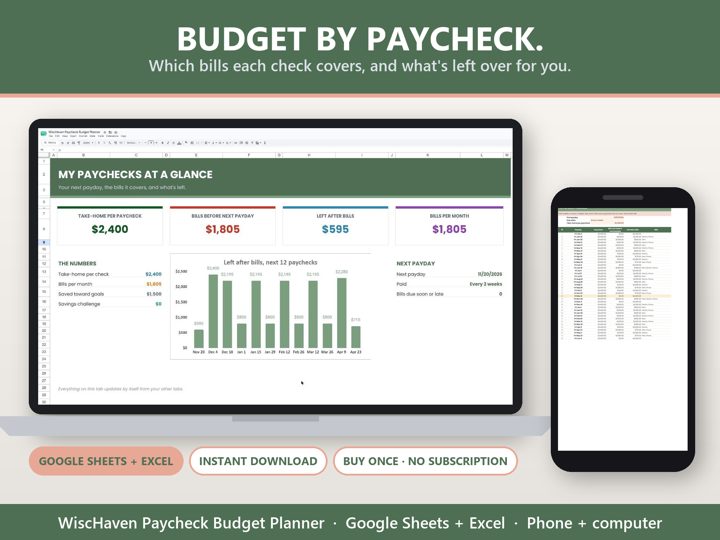
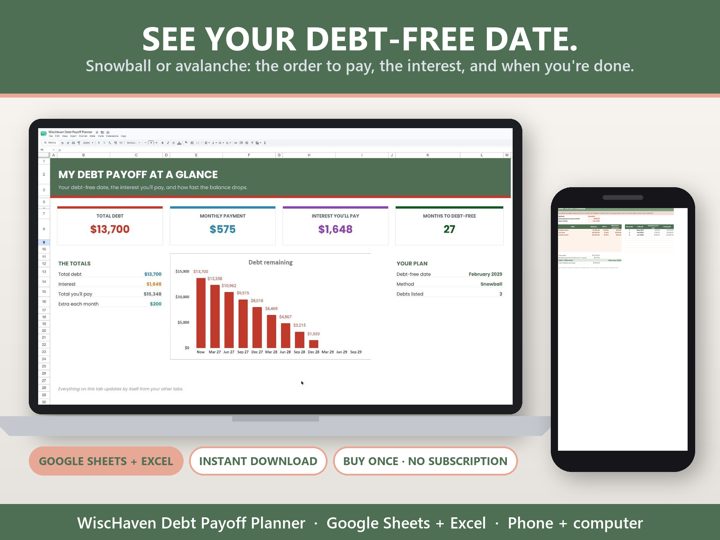
Simple Google Sheets + Excel tools from WiscHaven. Buy once, no subscription.
Sources
Checked against the official sources above. Steps can change as apps update - tell us if something looks different: wischavenindustries@gmail.com