How-To Guides · Cars
How to Read Your Tire Size (What All Those Numbers Mean)
P215/65R15 95H. It looks like a secret code, but every part tells you something about your tire. Here's how to read it in about two minutes.
1. Tire type
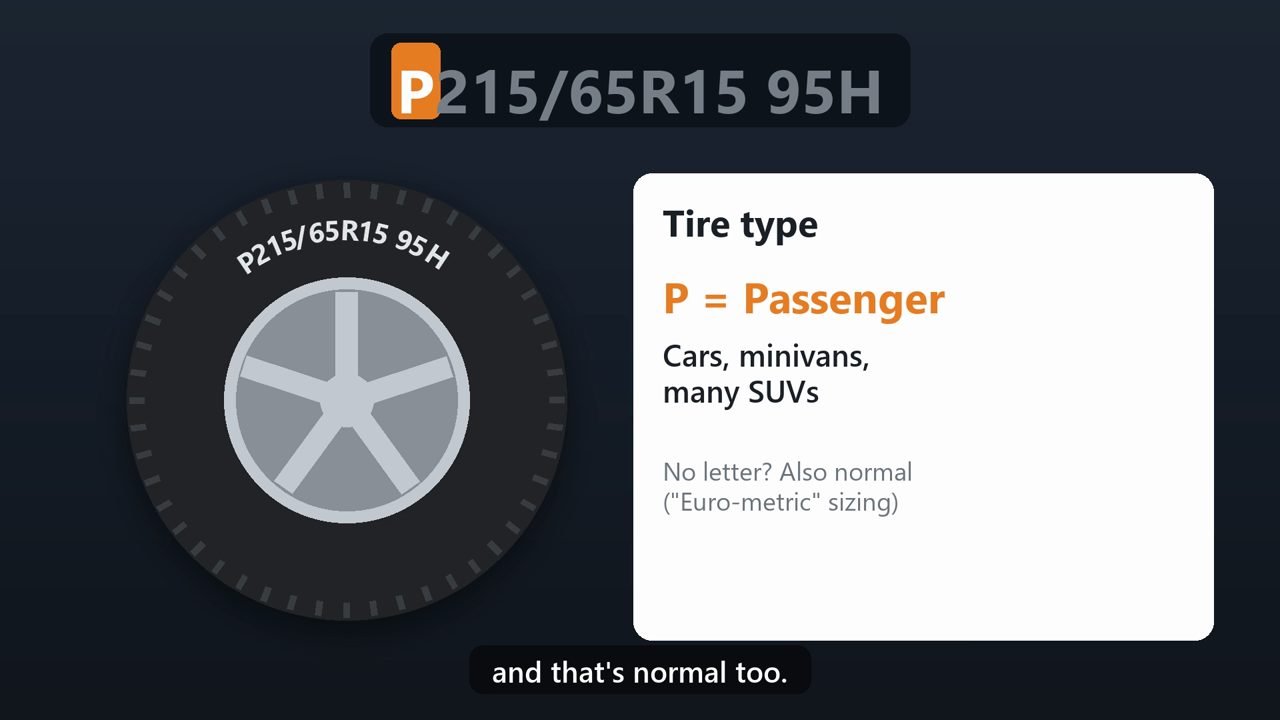
The P at the start means passenger tire. It's made for cars, minivans, and many SUVs. Some tires have no letter here at all, and that's normal too.
2. Width
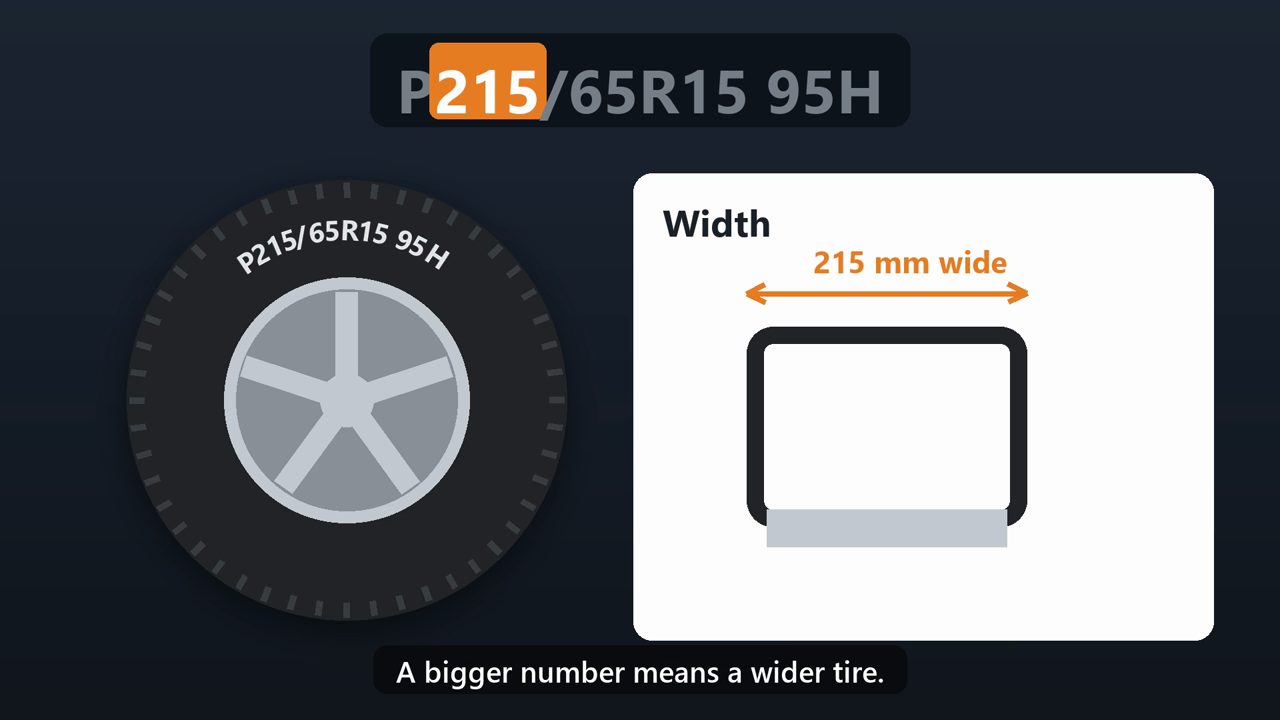
Next, 215. That's the width of the tire in millimeters, from one sidewall to the other. A bigger number means a wider tire.
3. Sidewall height
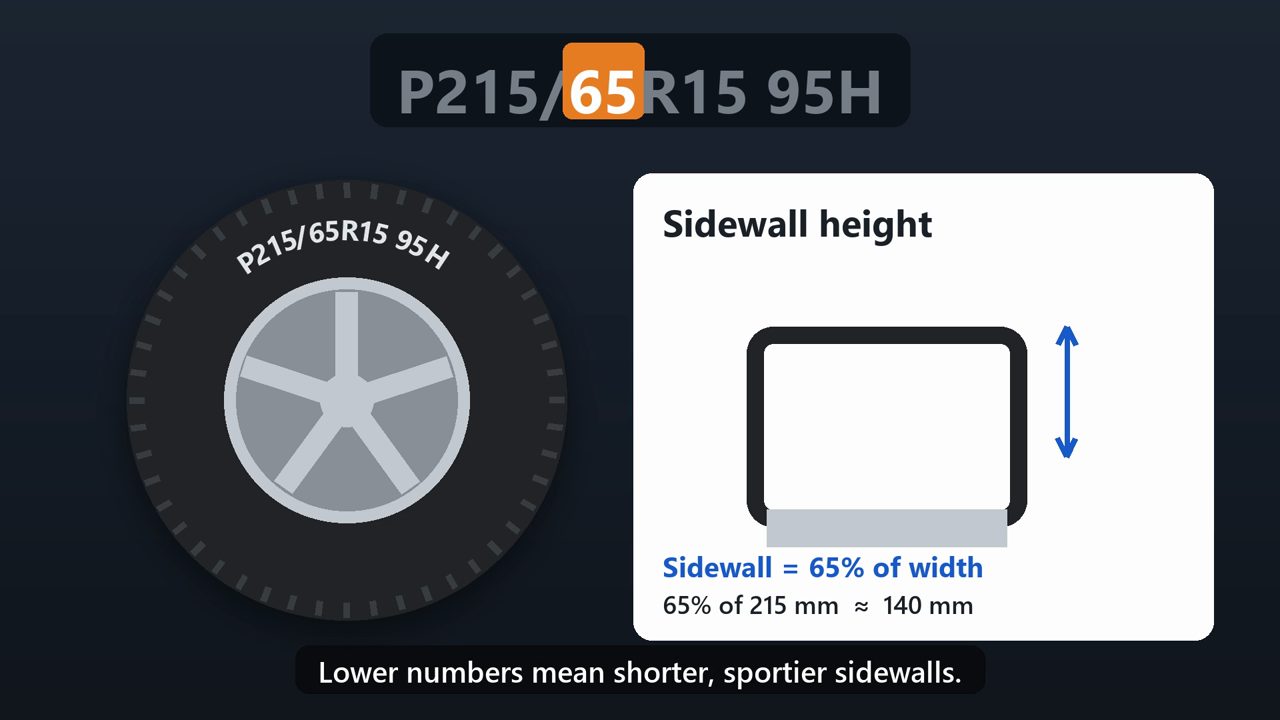
After the slash, 65. This is the height of the sidewall, as a percentage of the width. So this sidewall is about sixty-five percent of 215 millimeters, roughly 140 millimeters tall. Lower numbers mean shorter, sportier sidewalls.
4. Construction
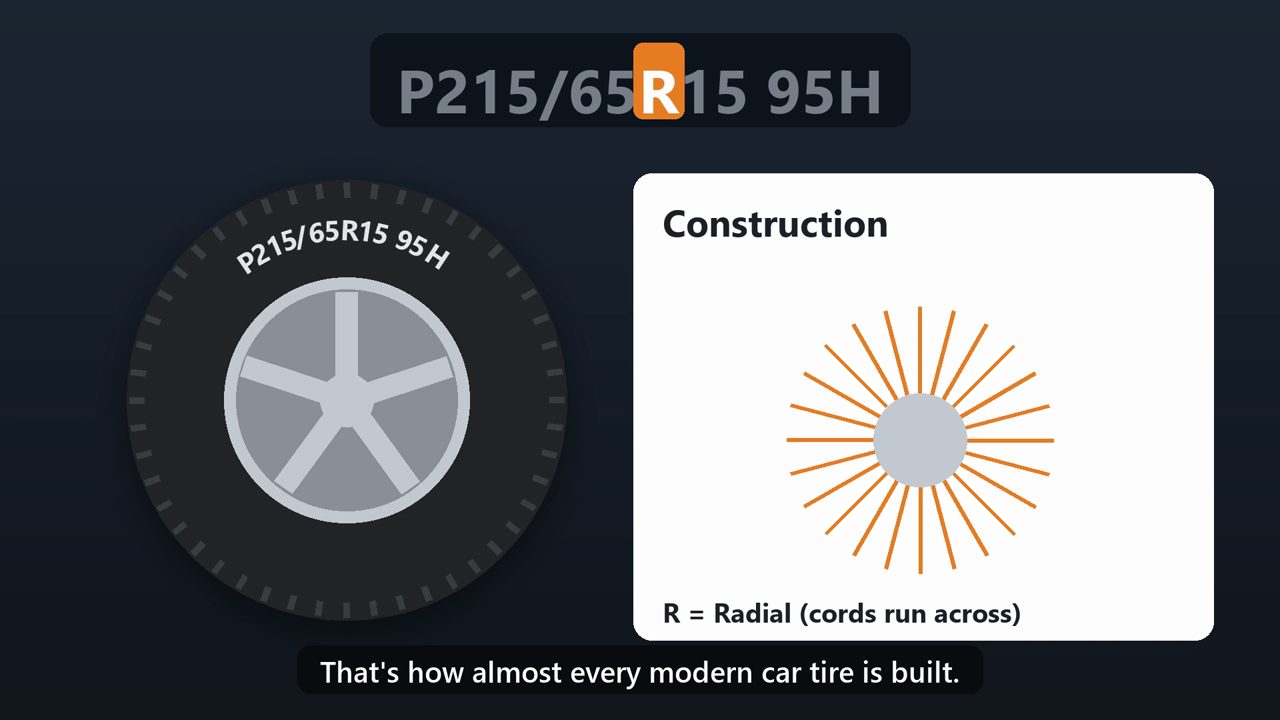
The R means radial. That's how almost every modern car tire is built.
5. Wheel size
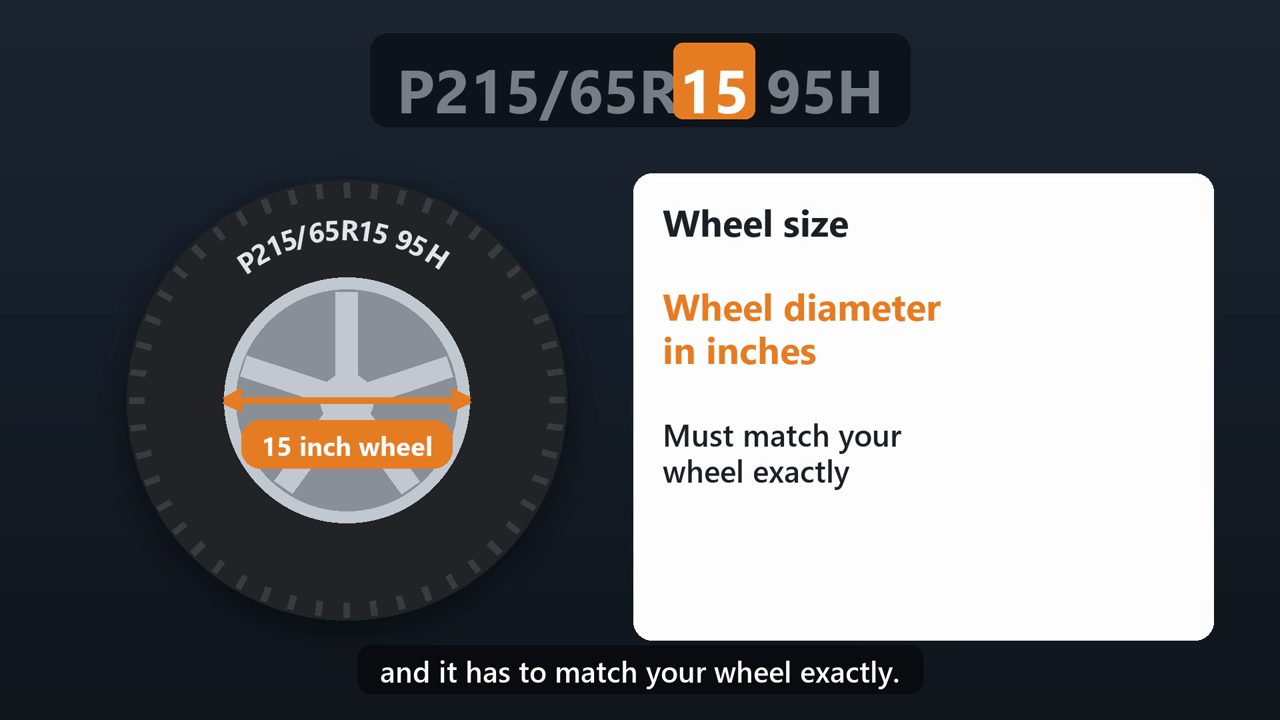
Then 15. That's the wheel diameter in inches. This tire fits a fifteen inch wheel, and it has to match your wheel exactly.
6. Load index
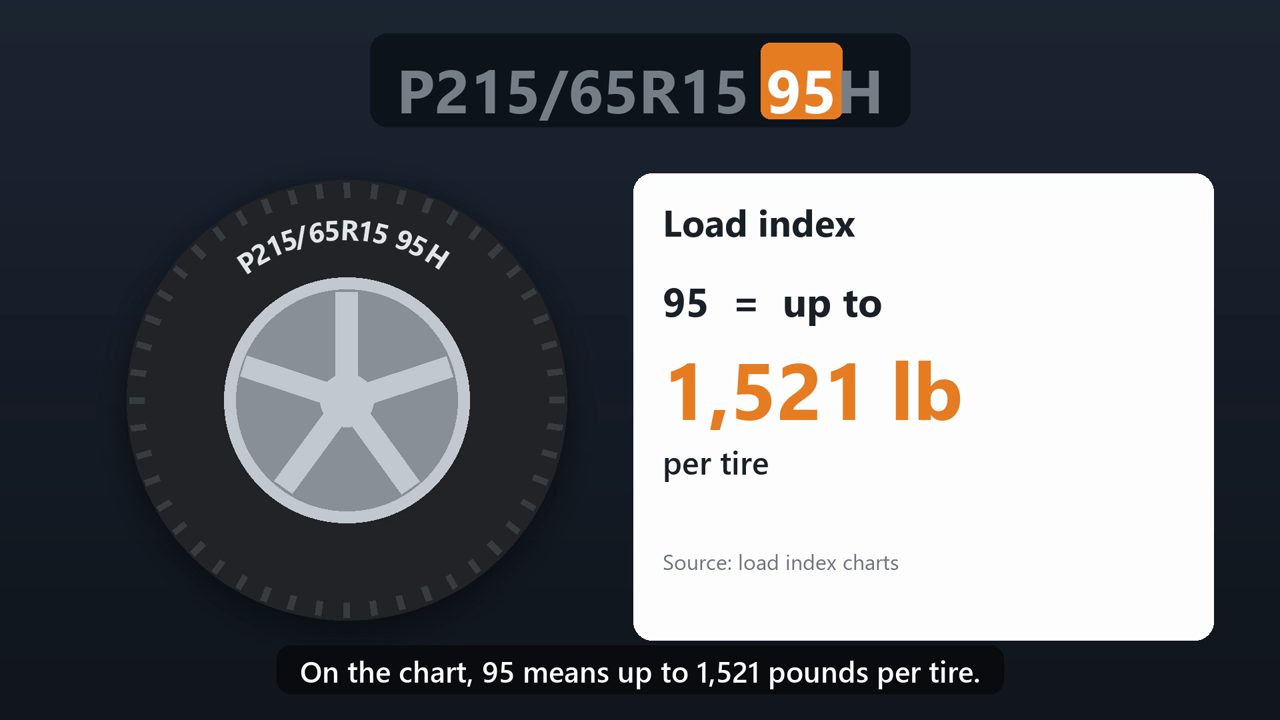
The 95 is the load index, a code for how much weight each tire can carry. On the chart, 95 means up to 1,521 pounds per tire.
7. Speed rating
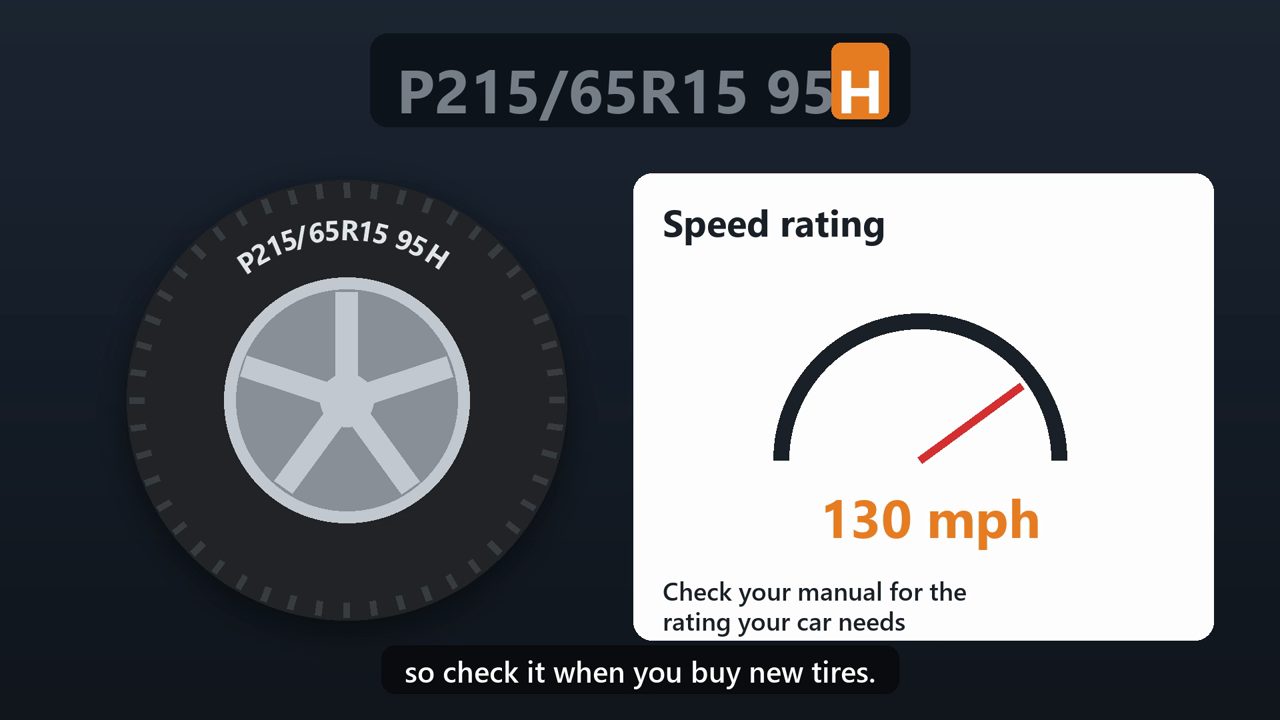
And the H is the speed rating. H is rated for up to a hundred and thirty miles per hour. Your owner's manual lists the load index and speed rating your car needs, so check it when you buy new tires.
8. How old is my tire?
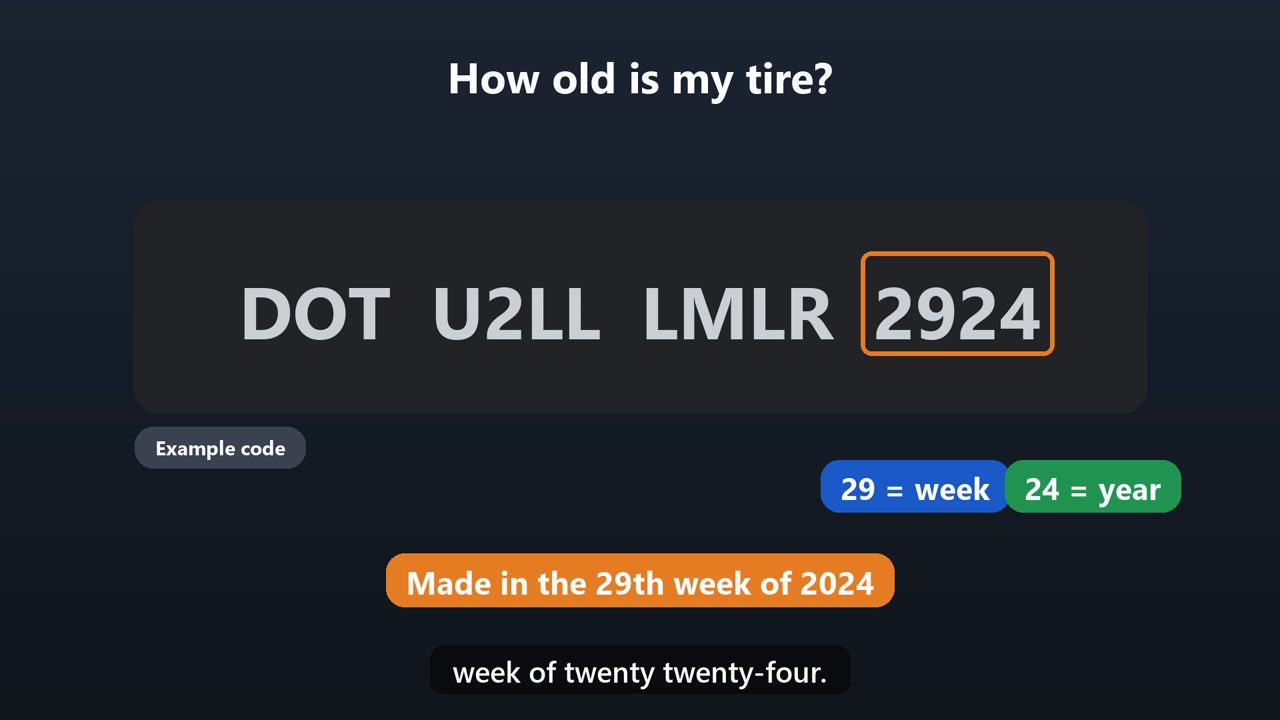
To find the tire's age, look for the letters D O T, and the last four numbers after them. The first two numbers are the week, and the last two are the year it was made. So 2924 means the twenty-ninth week of twenty twenty-four.
9. What pressure should I use?
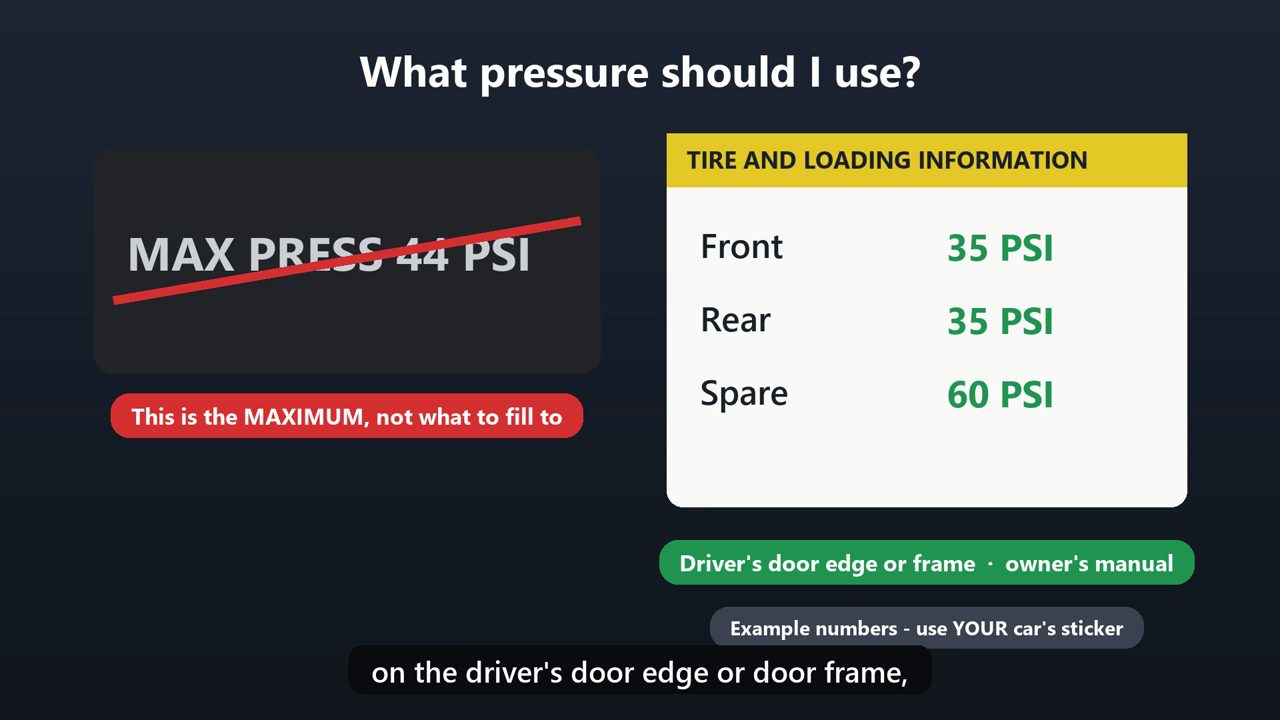
One important tip. The pressure printed on the tire is the maximum it can hold, not what you should fill it to. The right pressure for your car is on a sticker on the driver's door edge or door frame, or in your owner's manual.
Tools that make this easier
Simple Google Sheets + Excel tools from WiscHaven. Buy once, no subscription.

Sources
- tireindustry.org/resources/consumer-education/consumer-safety-overview/reading-a-tire-sidewall
- nhtsa.gov/vehicle-safety/tires
Checked against the official sources above. Steps can change as apps update - tell us if something looks different: wischavenindustries@gmail.com