How-To Guides · Online safety
How to Spot a Scam Email: 7 Warning Signs
This email looks real. It isn't. Scam emails fool millions of people every year, but almost all of them give themselves away. Here are seven warning signs to look for, and exactly what to do if you get one.
1. Urgent, scary deadline
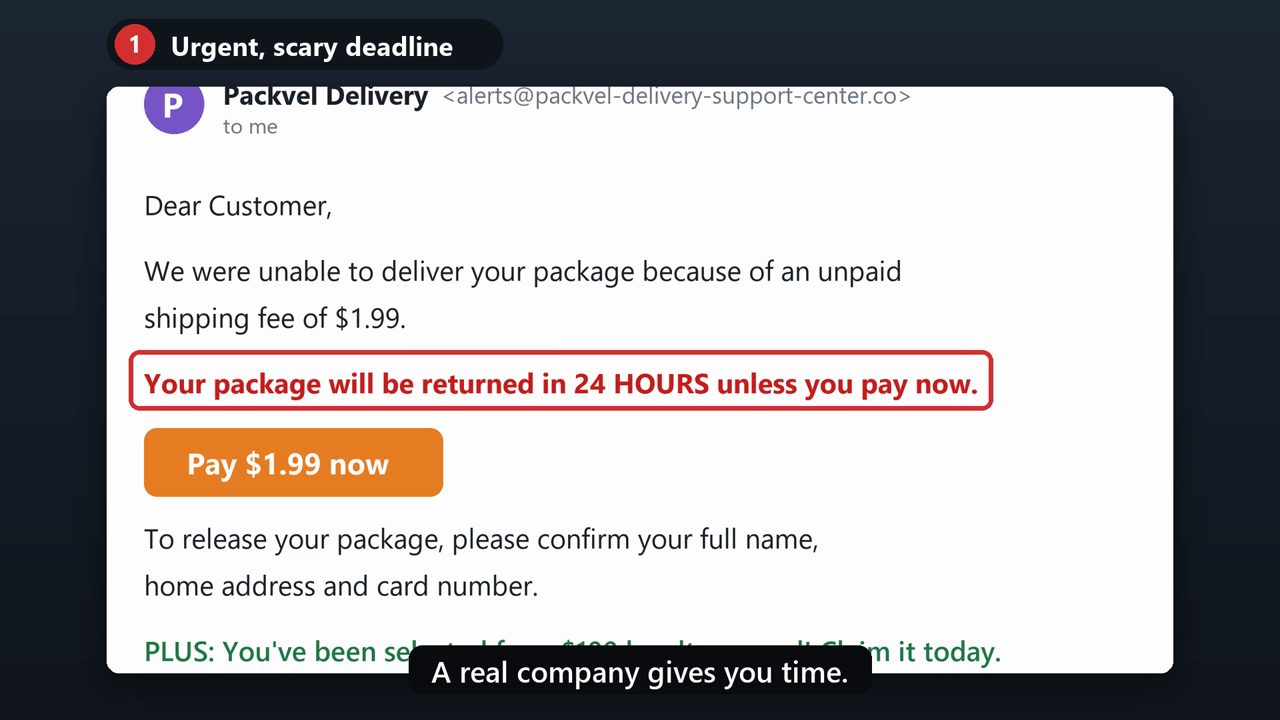
Warning sign one. It rushes you. Scammers use scary deadlines, like your package will be returned in 24 hours, so you act before you think. A real company gives you time.
2. The sender's address is wrong
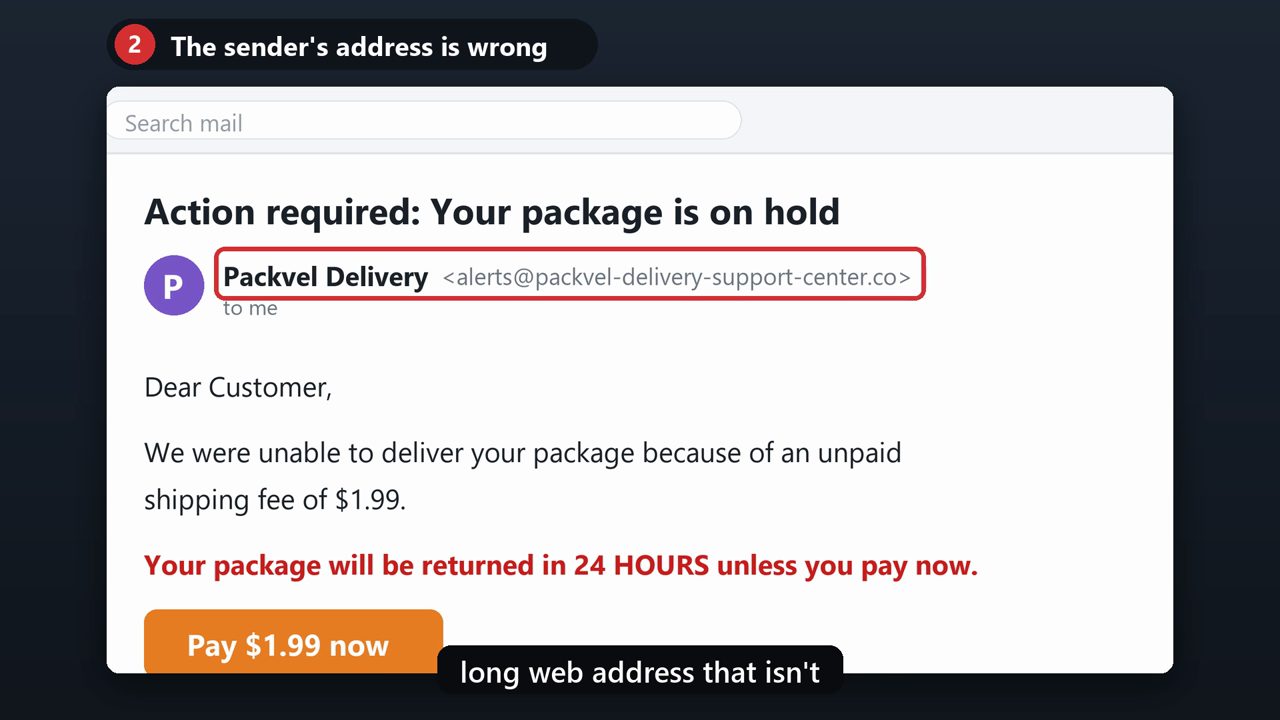
Warning sign two. Look at the sender's actual email address, not just the name. The name says Packvel Delivery, but the address ends in a strange, long web address that isn't the company's real one.
3. A generic greeting
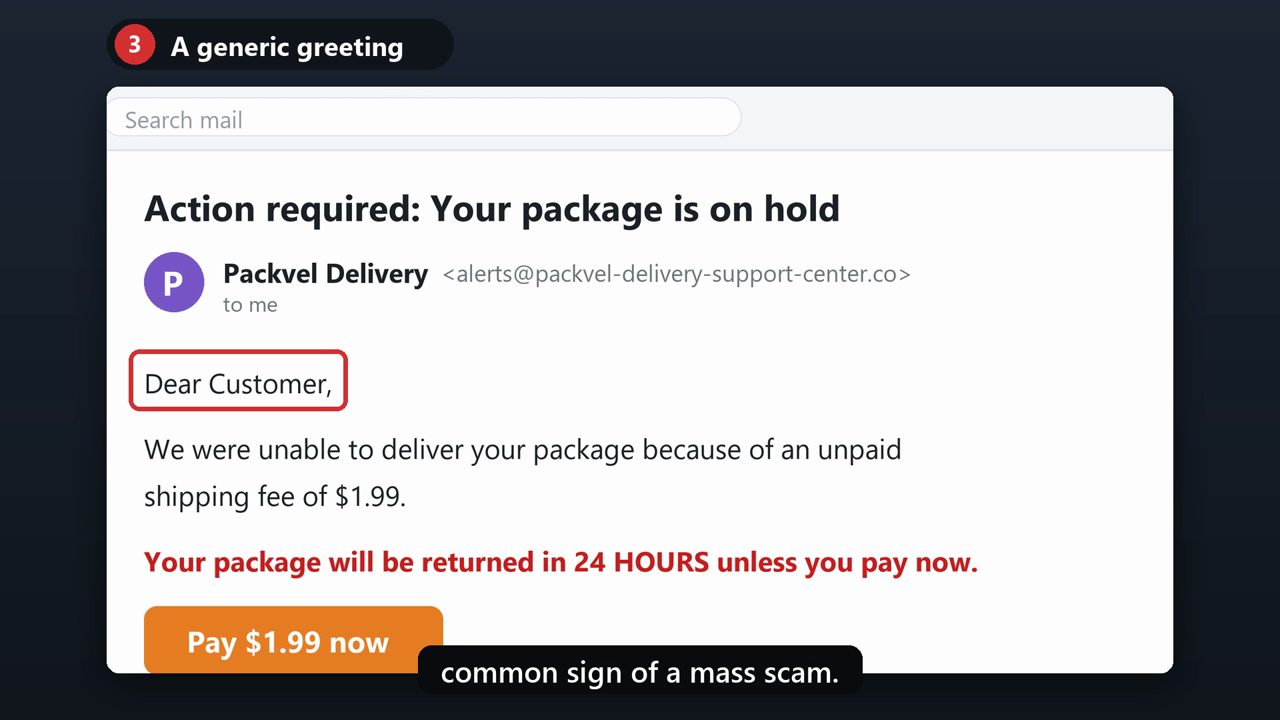
Warning sign three. Dear customer. A company you do business with usually knows your name. A generic greeting is a common sign of a mass scam.
4. A link to pay or "fix" your account
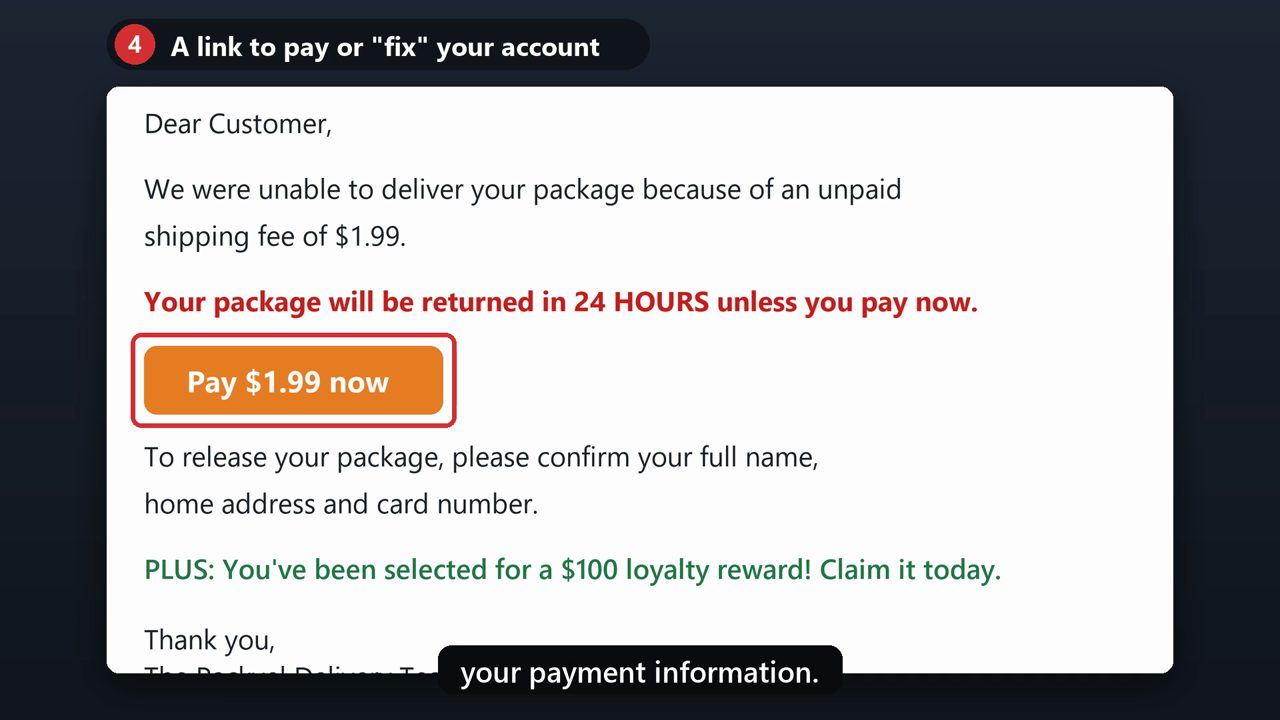
Warning sign four. It wants you to click a link to pay or fix a problem with your account. The Federal Trade Commission says real companies won't email you a link to update your payment information.
5. The link goes somewhere else
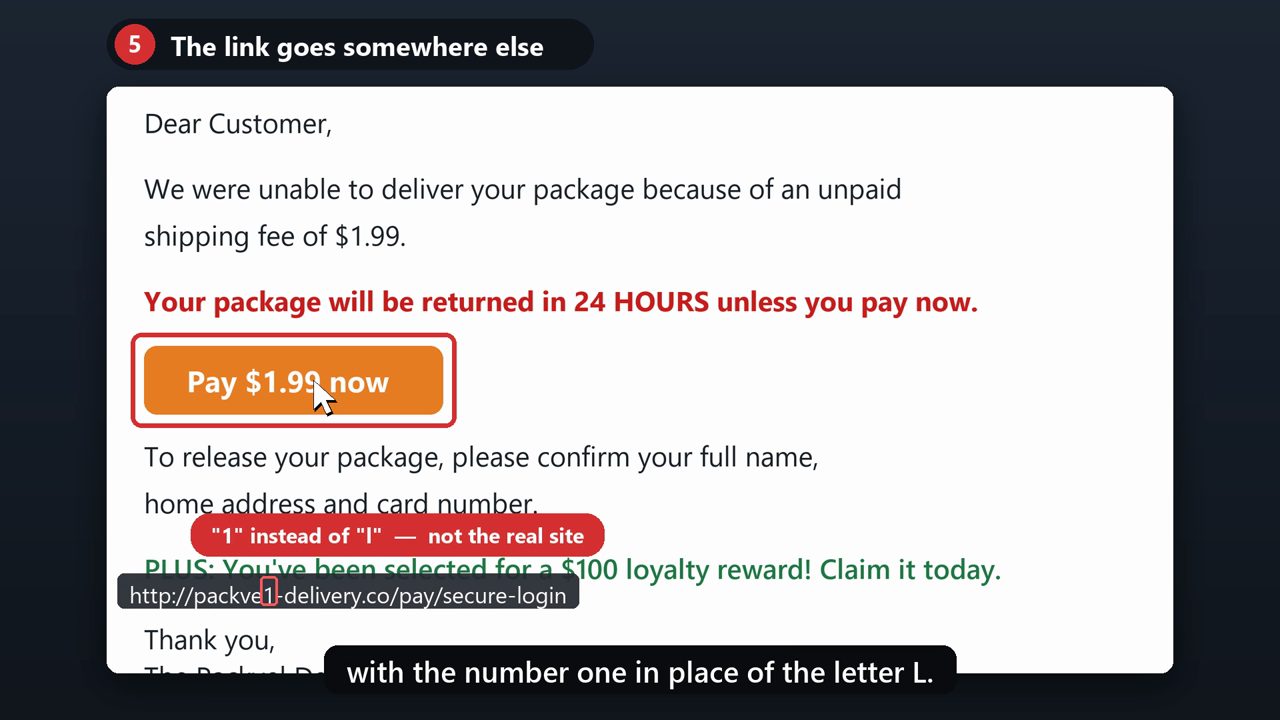
Warning sign five. The link doesn't go where it says. On a computer, rest your mouse on the link without clicking. The real address shows up at the bottom of the screen. Here it's a look-alike, with the number one in place of the letter L.
6. It asks for personal or card details
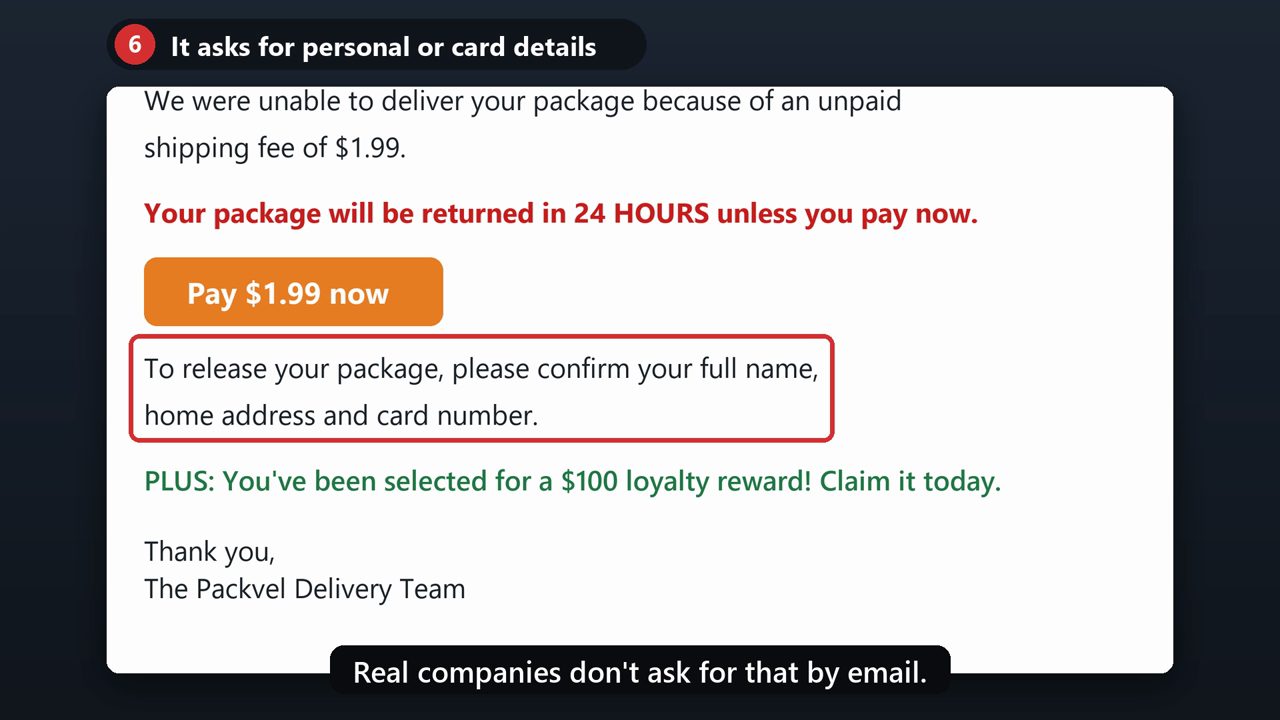
Warning sign six. It asks you to confirm personal or financial information, like your card number. Real companies don't ask for that by email.
7. Too good to be true
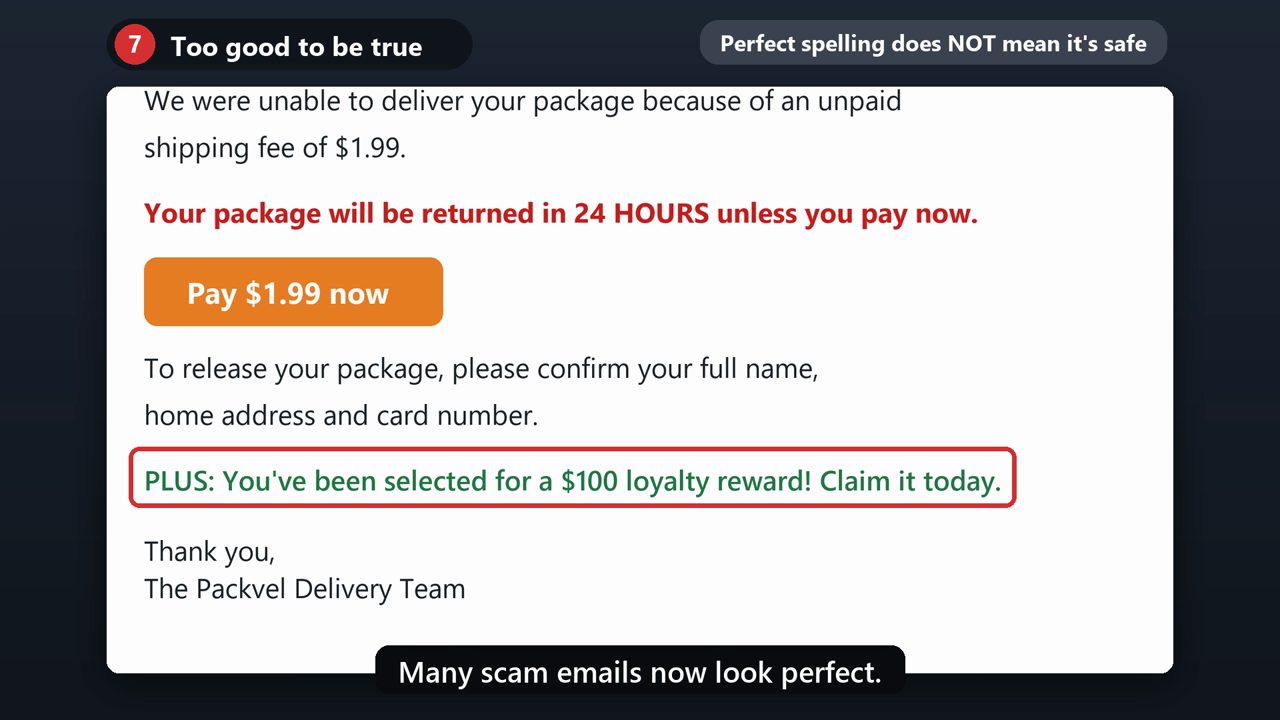
Warning sign seven. It's too good to be true. Surprise rewards, refunds, free gifts, or an invoice you don't recognize are classic bait. And don't count on bad spelling to tip you off. Many scam emails now look perfect.
8. What to do
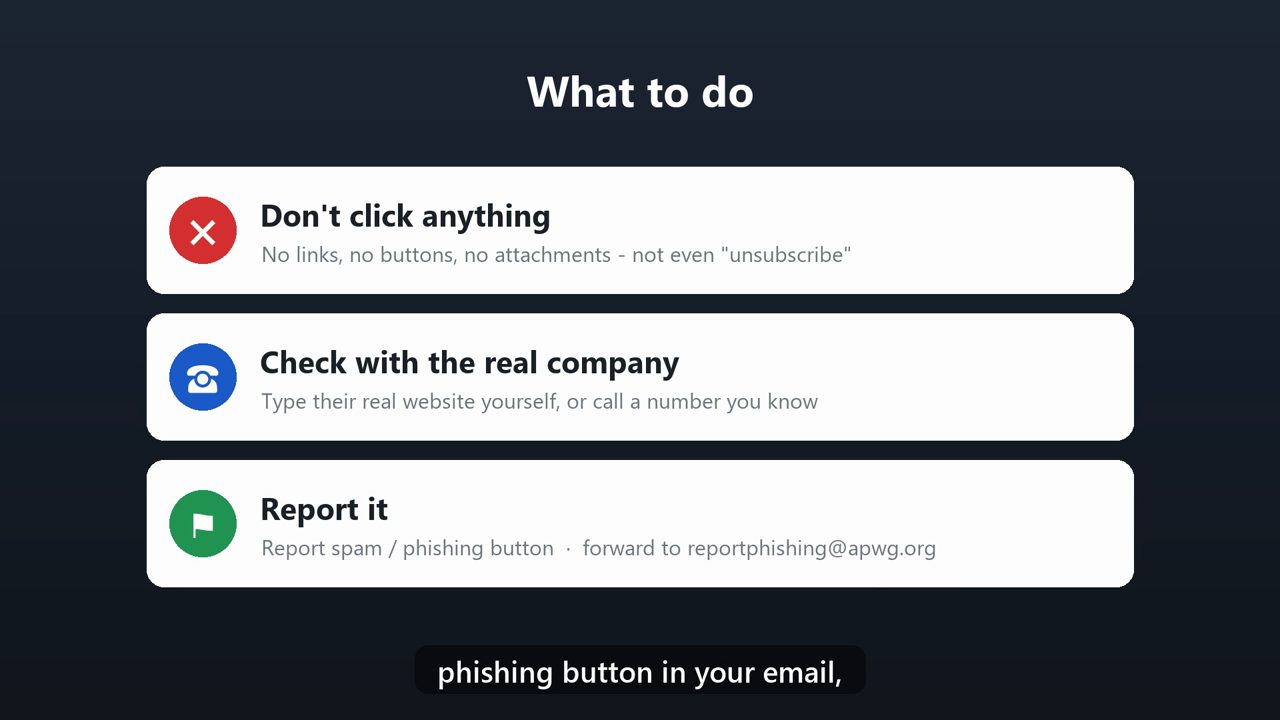
So what should you do? First, don't click anything in the email, not even unsubscribe. Second, if you do have an account with that company, go to their real website or call a number you know is real, and check there. Third, report it. Use the report spam or report phishing button in your email, and forward it to reportphishing@apwg.org.
9. Already clicked?
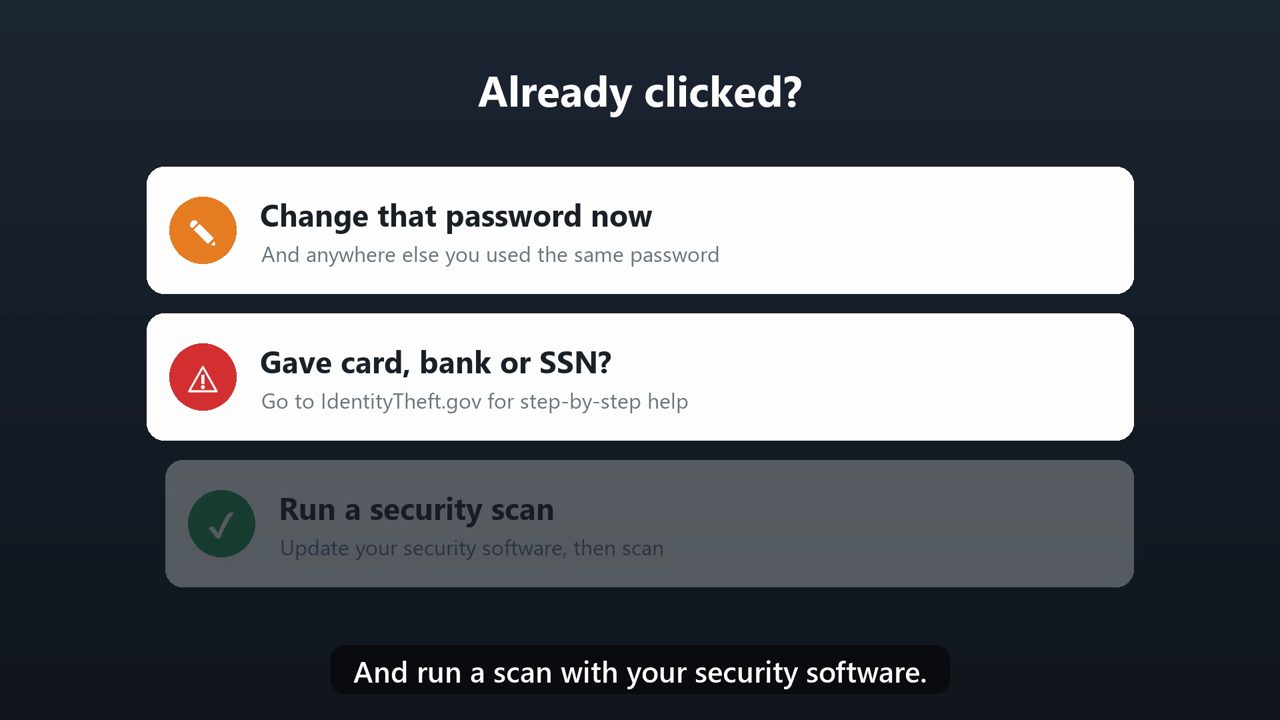
Already clicked, or typed in your details? Don't panic. Change that password right away. If you gave out card, bank or Social Security numbers, go to IdentityTheft.gov for step-by-step help. And run a scan with your security software.
Tools that make this easier
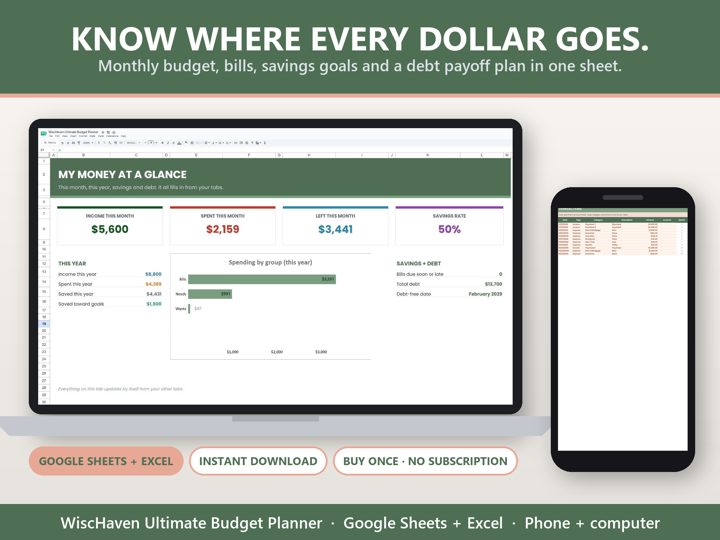
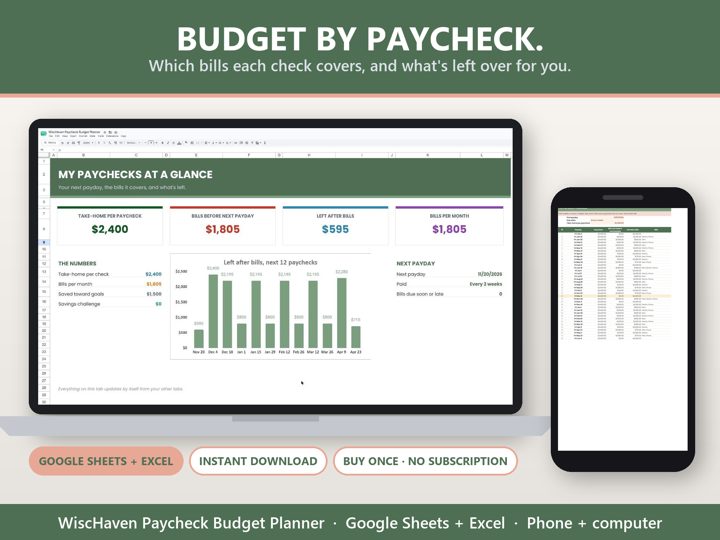
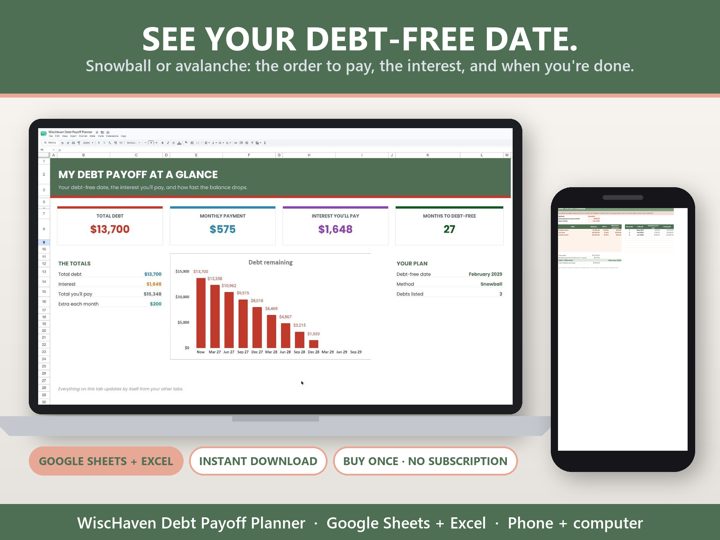
Simple Google Sheets + Excel tools from WiscHaven. Buy once, no subscription.
Sources
- consumer.ftc.gov/articles/how-recognize-and-avoid-phishing-scams
- cisa.gov/secure-our-world/recognize-and-report-phishing
Checked against the official sources above. Steps can change as apps update - tell us if something looks different: wischavenindustries@gmail.com