How-To Guides · Music
How to Tune a Guitar (Standard Tuning for Beginners)
An out of tune guitar makes even the right chords sound wrong. The good news? Tuning takes about a minute, and all you need is a cheap tuner or a free app. Here's how.
1. The Six Strings
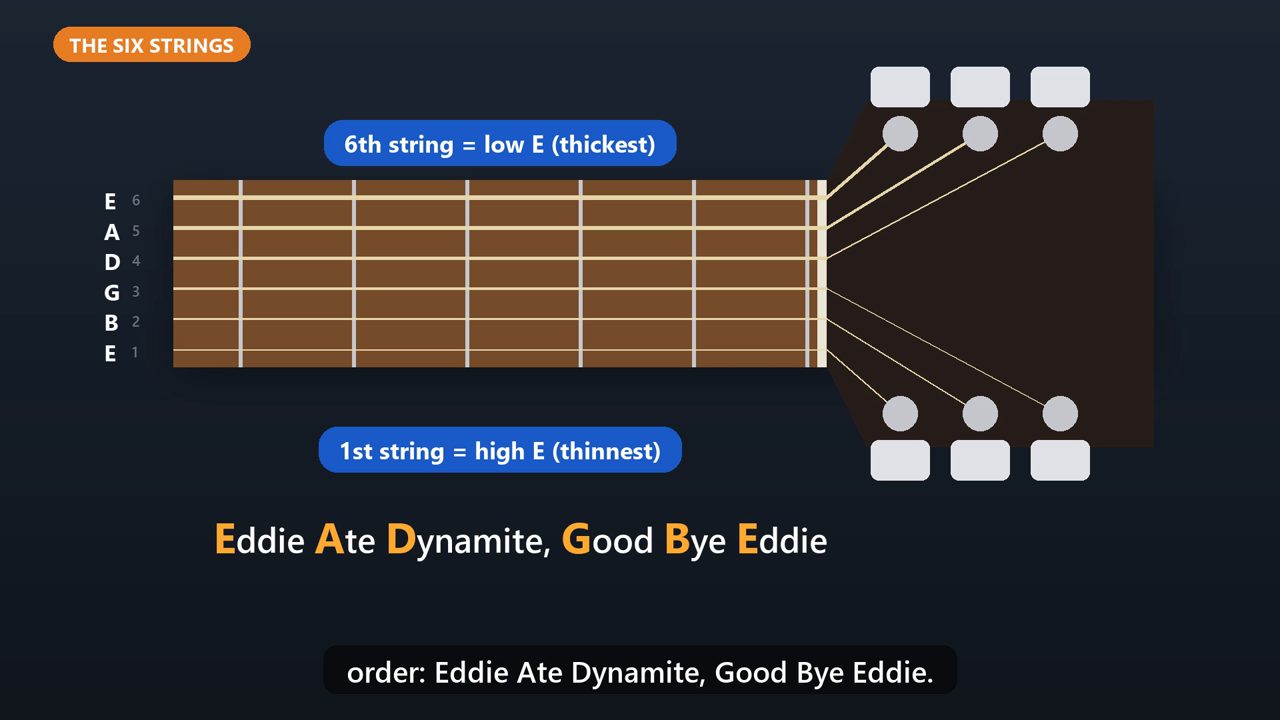
In standard tuning, the strings from the thickest to the thinnest are E, A, D, G, B, and E. The thick one is called the sixth string, or low E. The thin one is the first string, or high E. An easy way to remember the order: Eddie Ate Dynamite, Good Bye Eddie.
2. Step 1: Get A Tuner
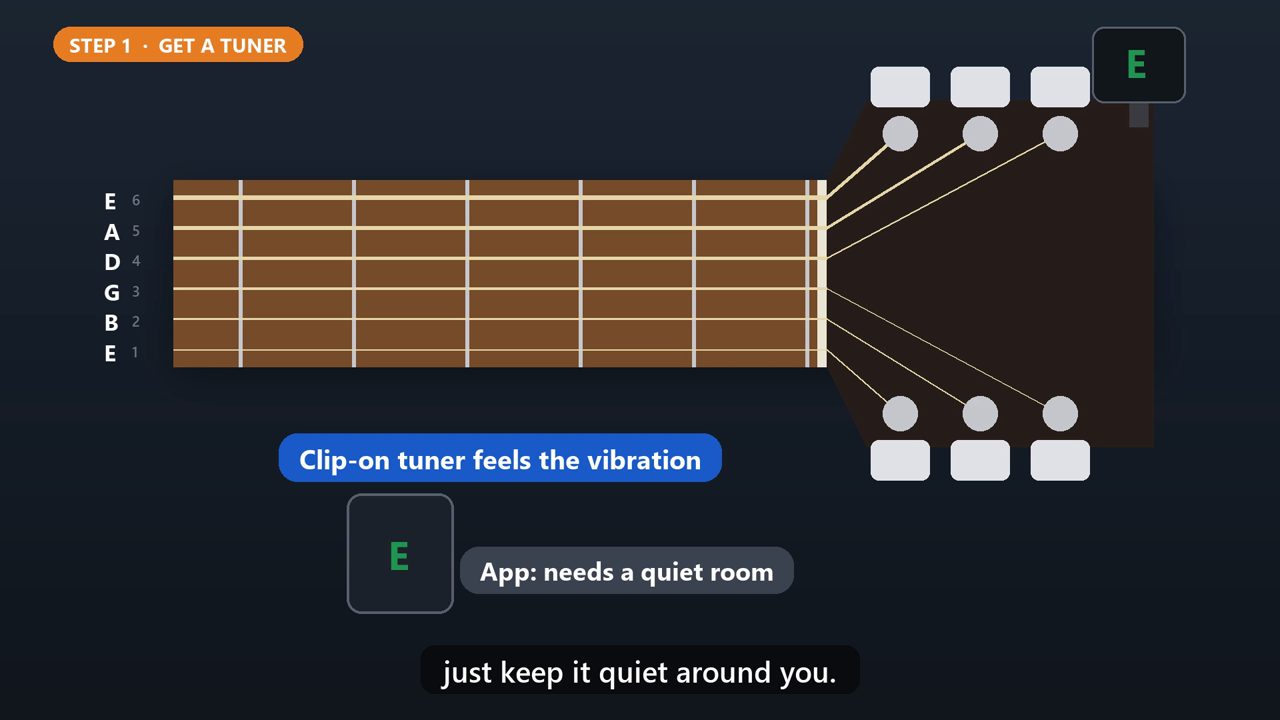
Clip a tuner onto the headstock, at the end of the neck. A clip-on tuner feels the vibration of the guitar, so it works even in a noisy room. A tuner app on your phone works too, just keep it quiet around you.
3. Step 2: Pluck And Read
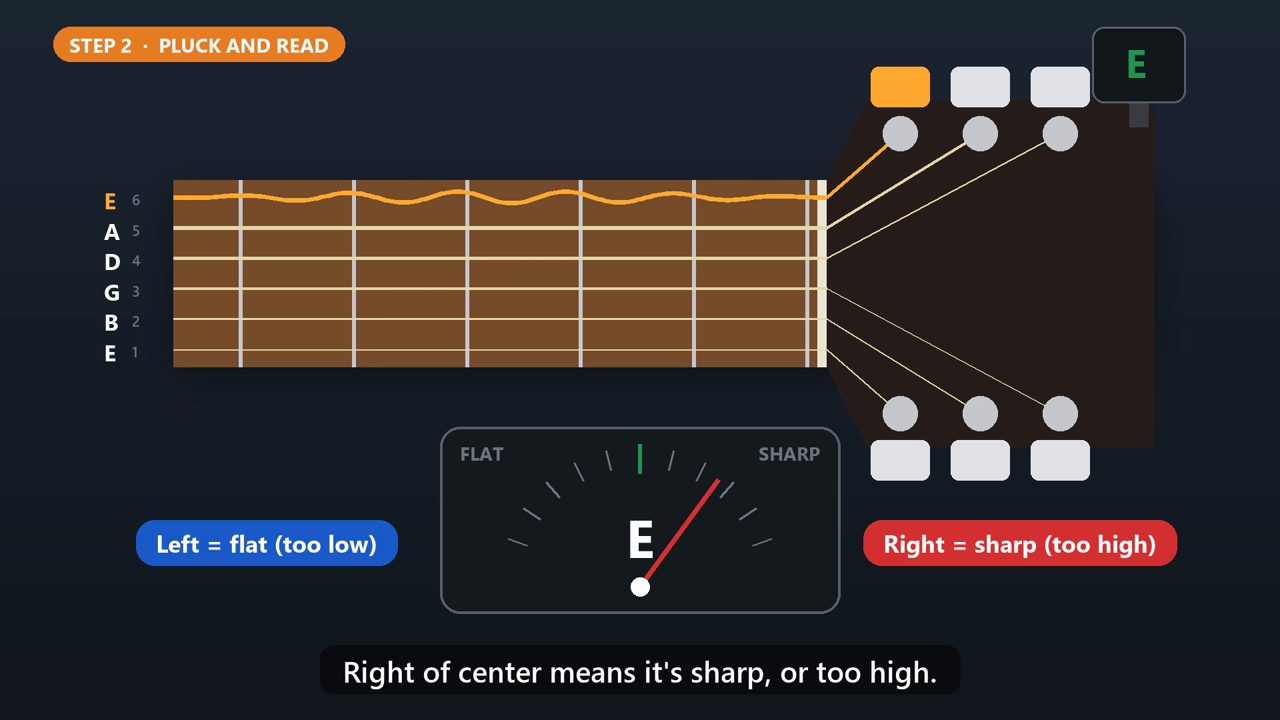
Start with the low E. Pluck it, and let it ring. The tuner shows the closest note, and a needle. Left of center means the string is flat, or too low. Right of center means it's sharp, or too high.
4. Step 3: Turn The Peg
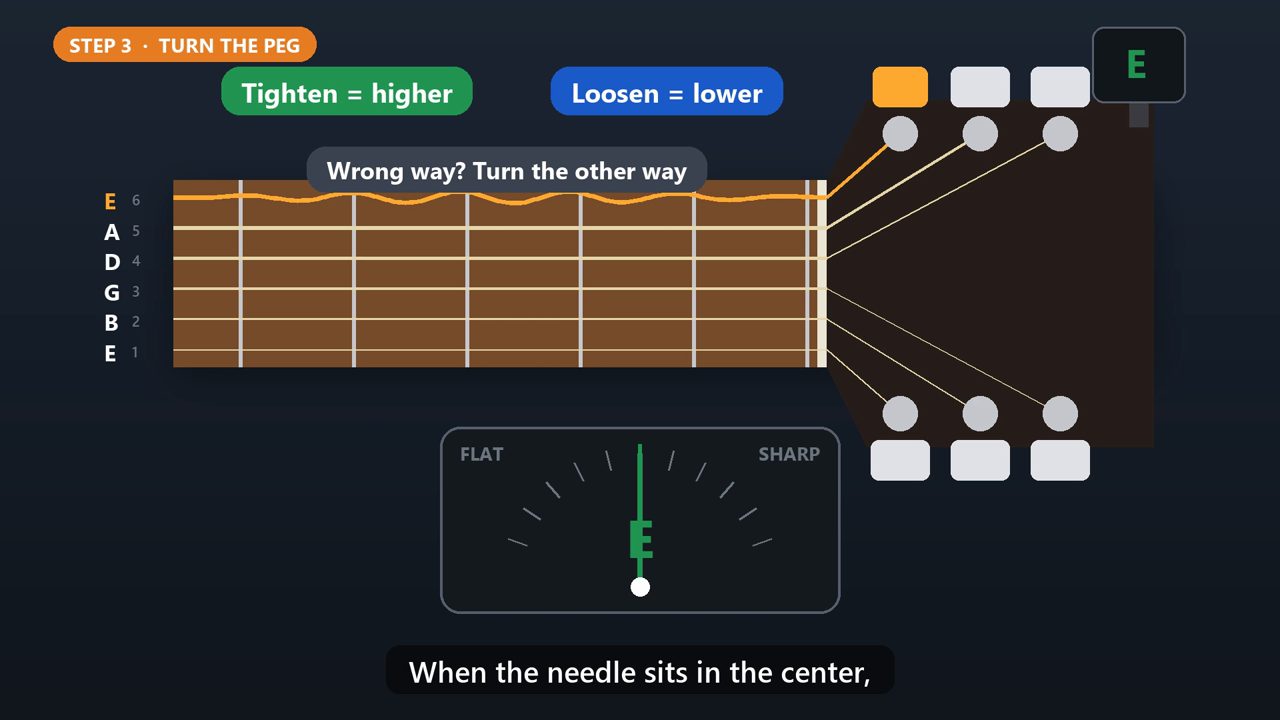
Turn that string's tuning peg slowly. Tightening the string raises the note. Loosening it lowers the note. If the needle moves the wrong way, turn the other way. When the needle sits in the center, that string is in tune.
5. Pro Tip: Tune Up To The Note
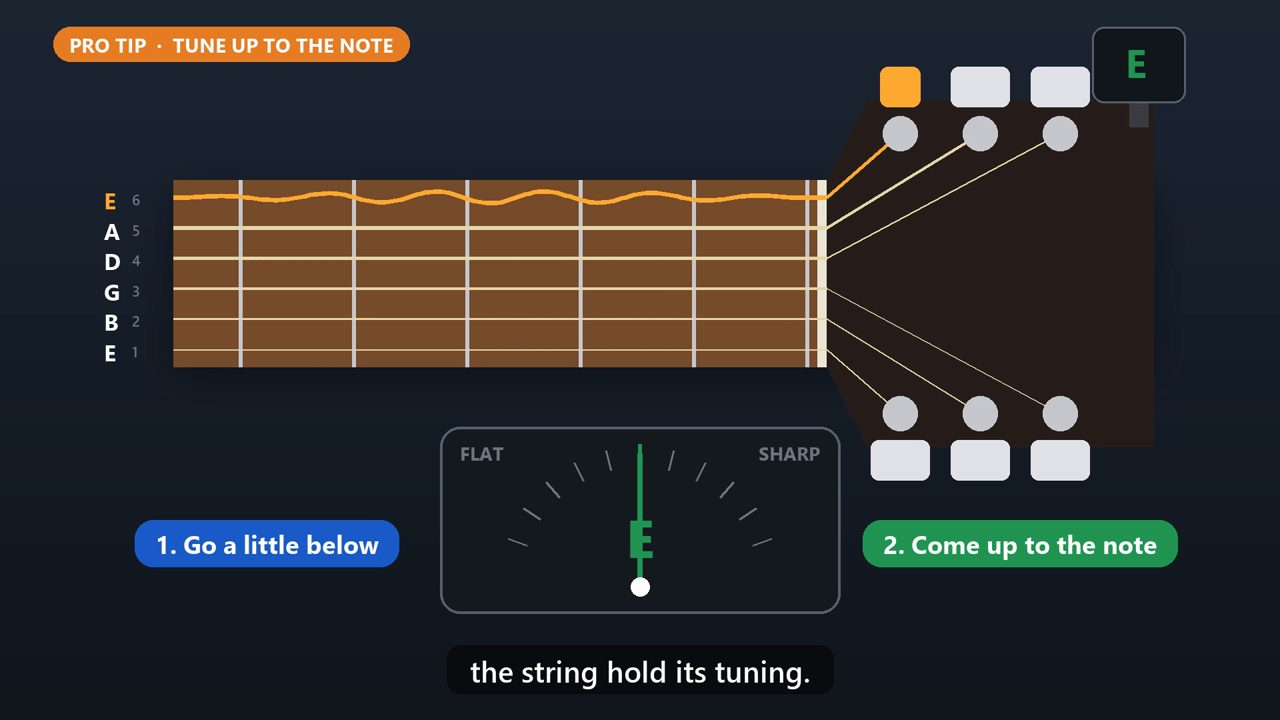
Here's a tip. If you're sharp, loosen it a little below the note, then tighten back up to it. Coming up from below helps the string hold its tuning.
6. Step 4: Do All Six, Then Check Again
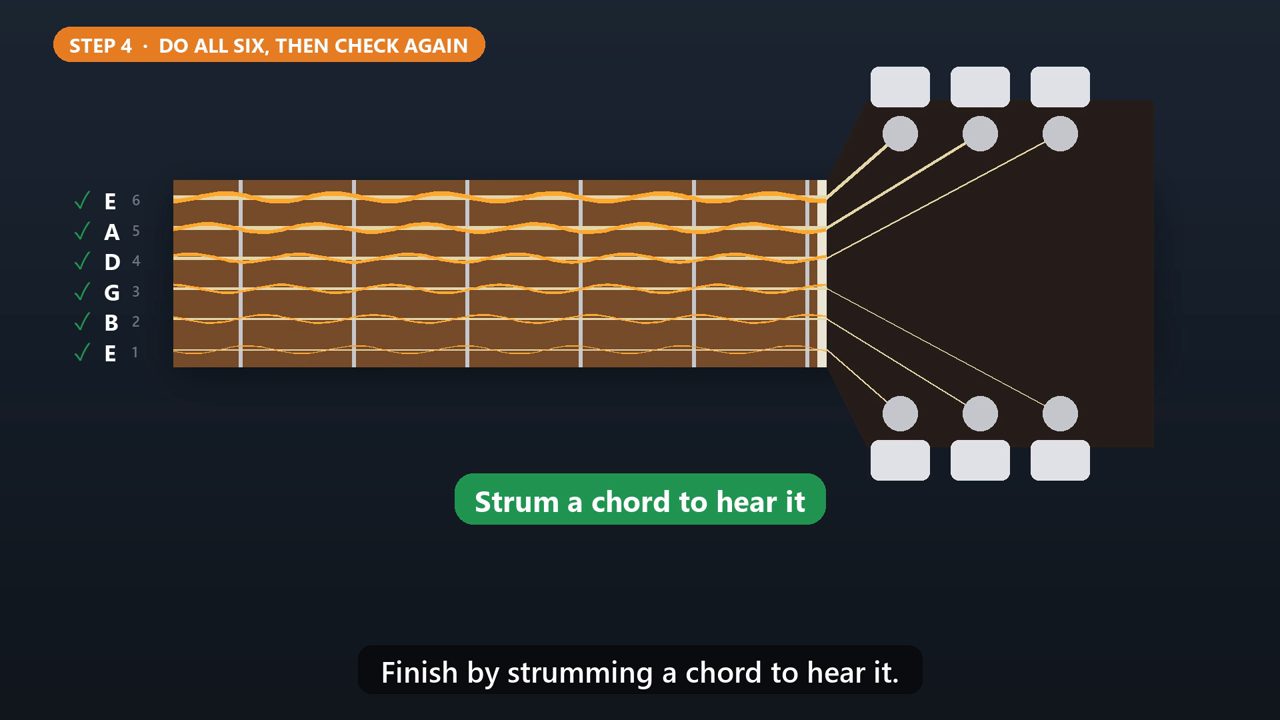
Do the same for A, D, G, B, and high E. Then go back and check them all once more, because tuning one string can pull the others slightly out. Finish by strumming a chord to hear it.
7. Go Easy
Turn slowly, and don't crank a string way past its note. Over tightening is how strings snap.
Tools that make this easier
Simple Google Sheets + Excel tools from WiscHaven. Buy once, no subscription.




Sources
Checked against the official sources above. Steps can change as apps update - tell us if something looks different: wischavenindustries@gmail.com