How-To Guides · Tech help
PC Parts Explained: What Each Part Does (Simple Guide)
Thinking about building a PC, or just want to know what's inside yours? There are only seven main parts. Here's what each one does, using a simple kitchen comparison.
1. 1: The Processor (Cpu)
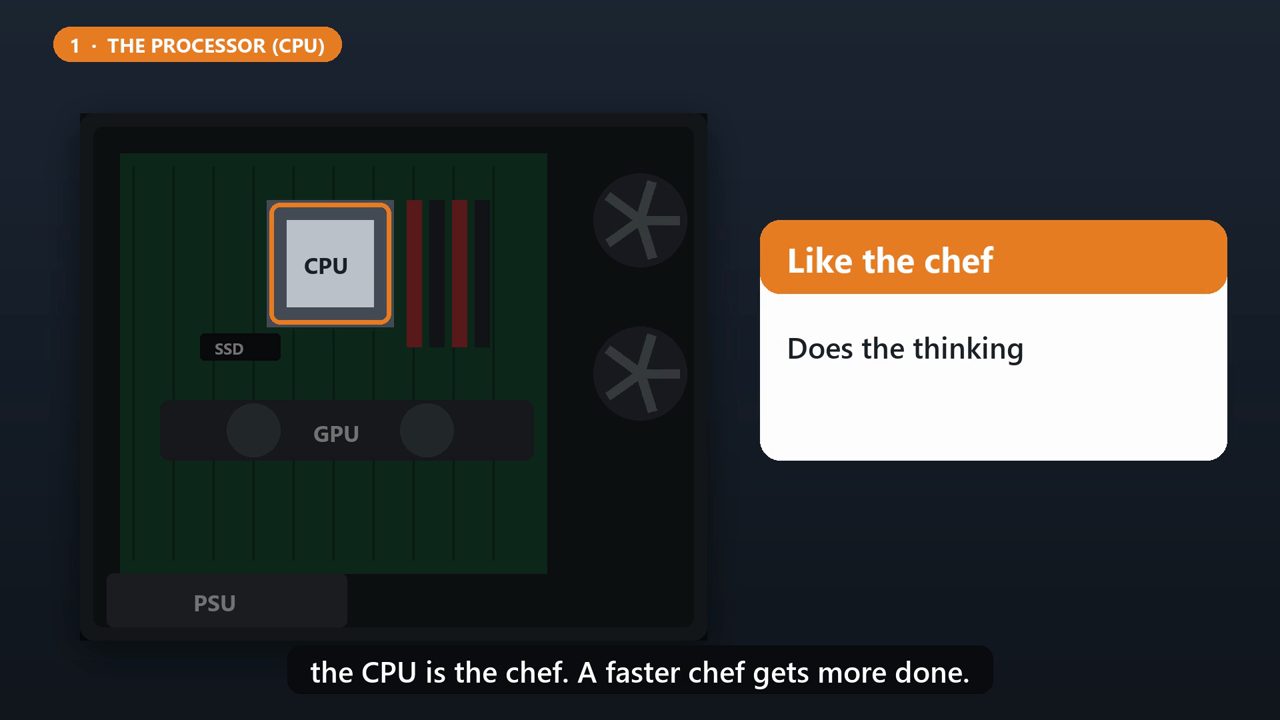
First, the processor, or CPU. It's the brain, doing the thinking for every task. In our kitchen, the CPU is the chef. A faster chef gets more done.
2. 2: Memory (Ram)
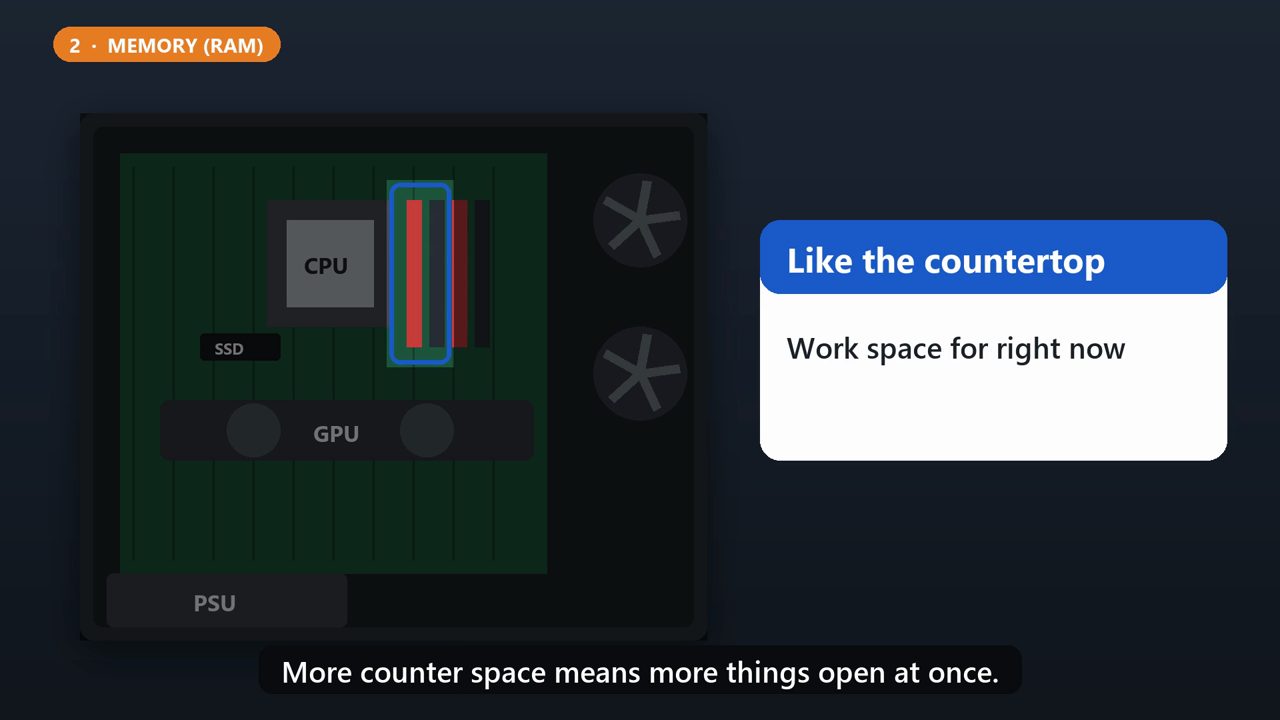
Next, memory, called RAM. It's short-term working space for whatever you're doing right now, and it's much faster than the main storage. It's the chef's countertop. More counter space means more things open at once.
3. 3: Storage (Ssd)
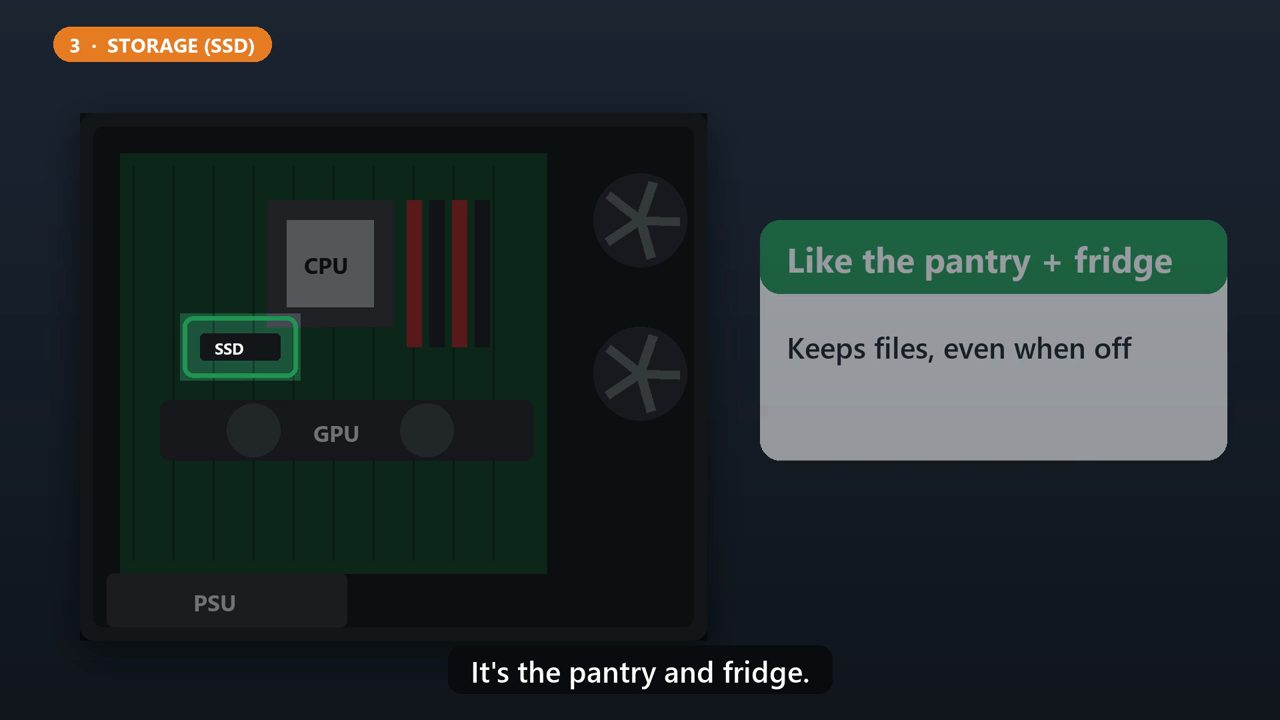
Storage, usually a solid state drive, or SSD. This is where your files, photos and programs live, even when the power is off. It's the pantry and fridge.
4. 4: Graphics Card (Gpu)
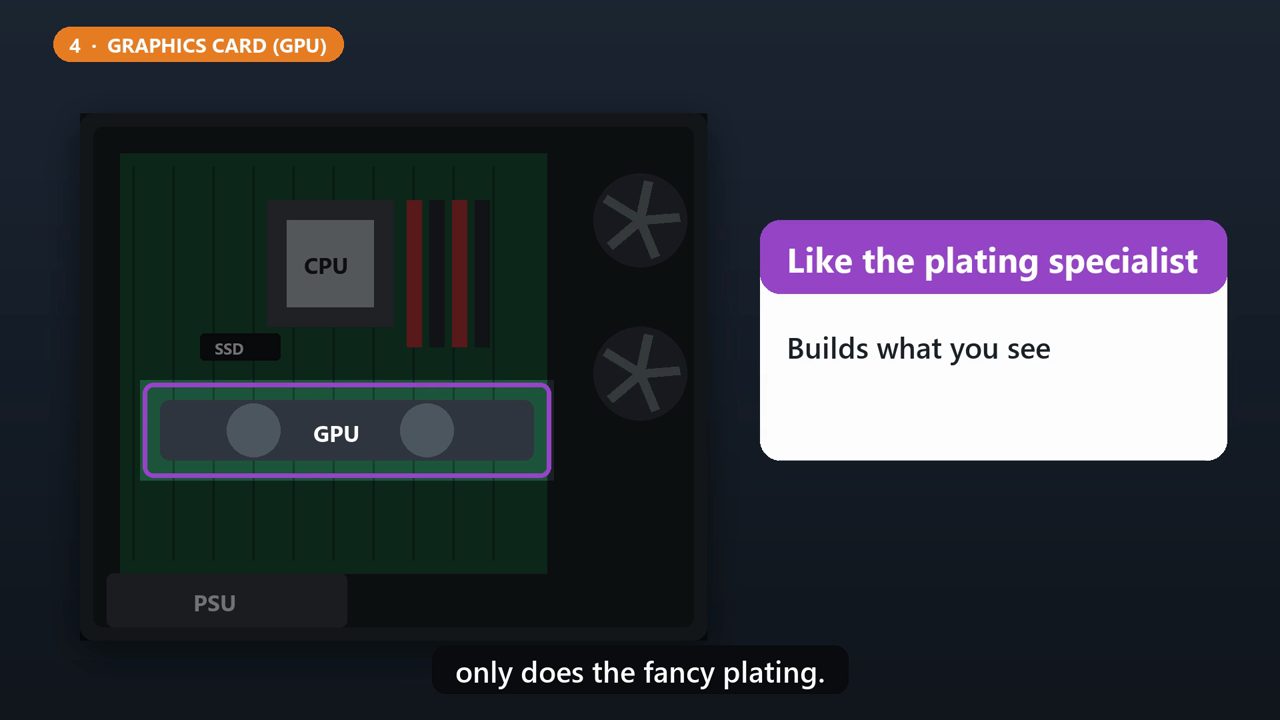
The graphics card, or GPU, builds everything you see on the screen. It matters most for gaming, video editing, and artificial intelligence work. Think of it as a specialist who only does the fancy plating.
5. 5: The Motherboard
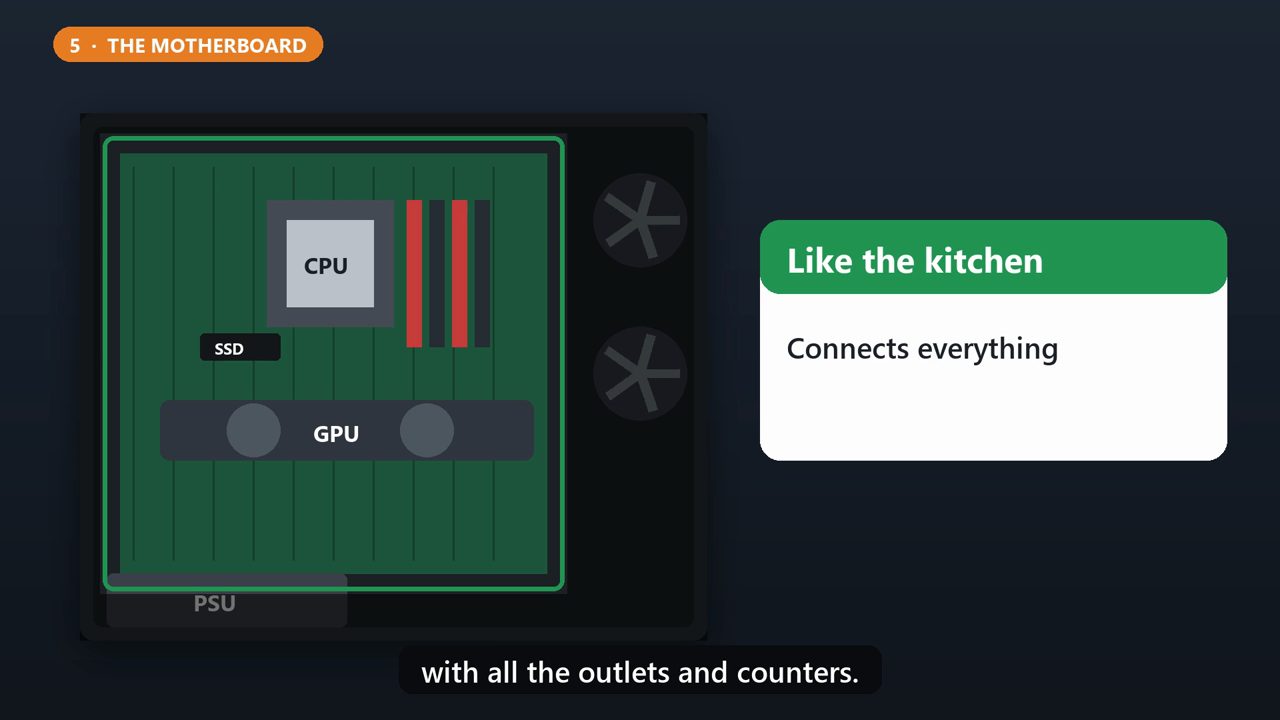
The motherboard is the big board everything plugs into. It connects the processor, memory, storage, and graphics card, so they can work together. It's the kitchen itself, with all the outlets and counters.
6. 6: Power Supply (Psu)
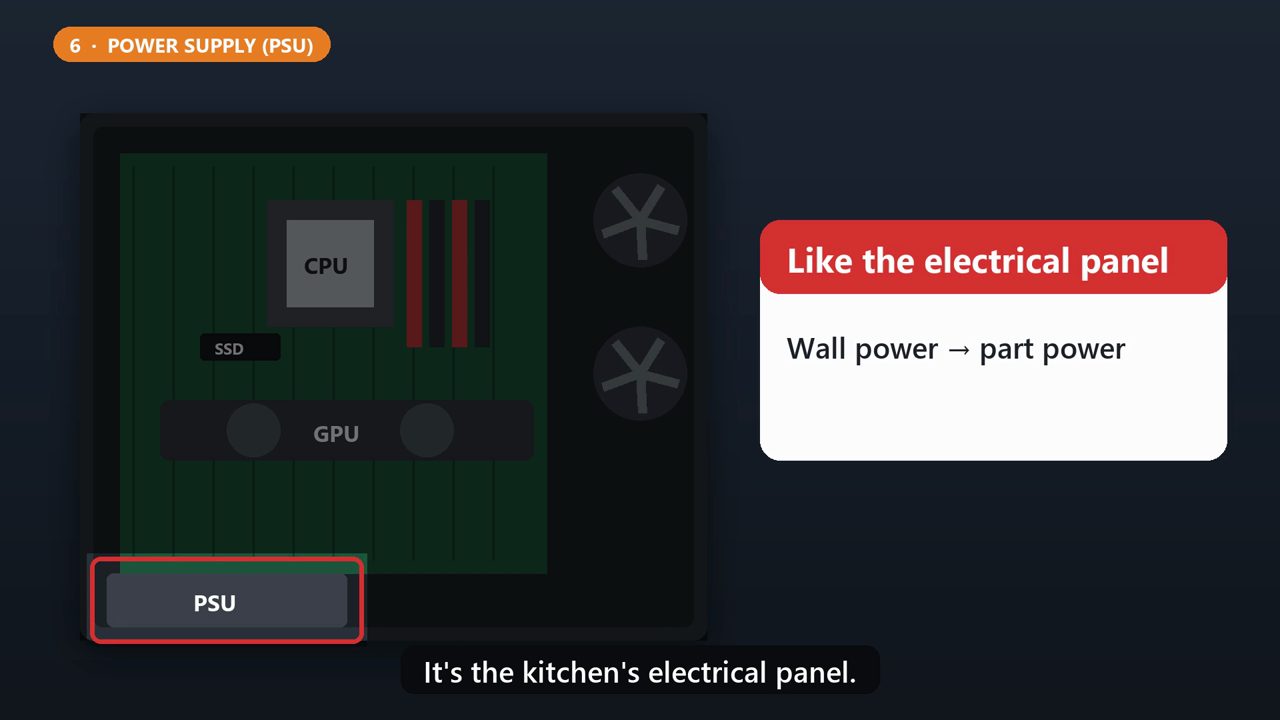
The power supply takes power from your wall outlet, and turns it into the kind of power the parts can use. It's the kitchen's electrical panel.
7. 7: Case And Cooling
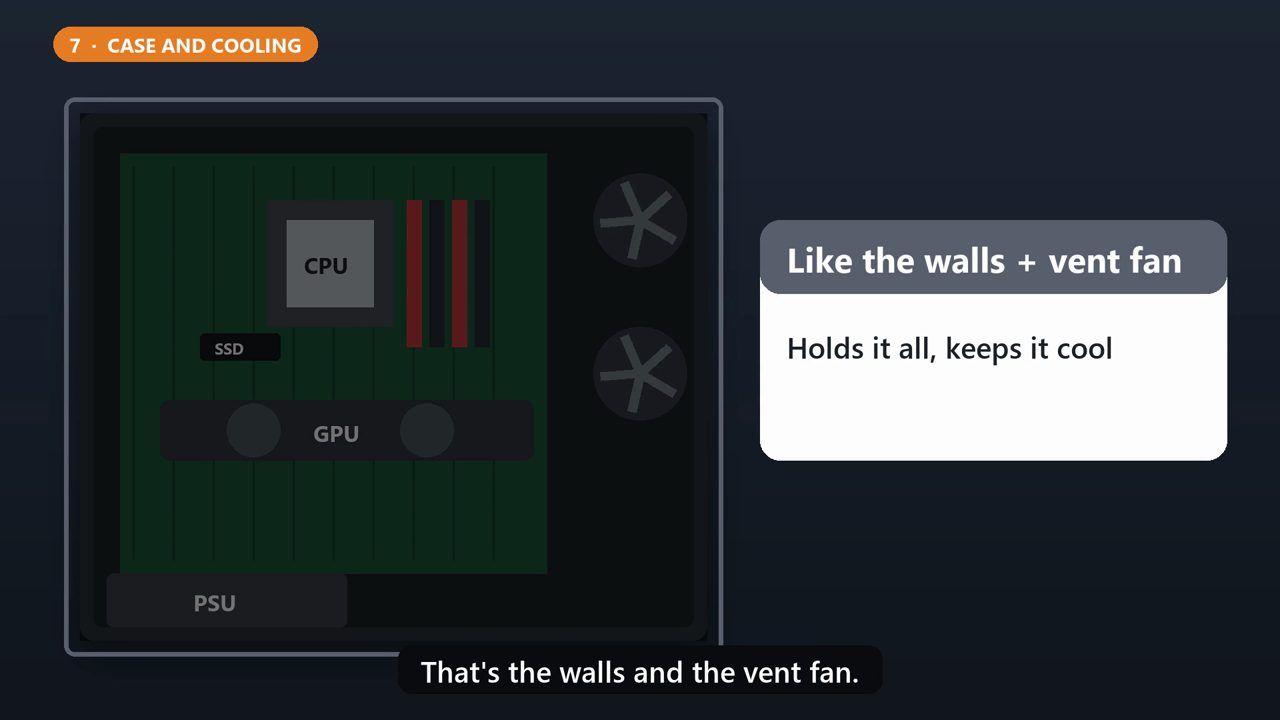
And the case holds it all, with fans to move air through and keep everything cool. That's the walls and the vent fan.
8. Before You Buy Parts
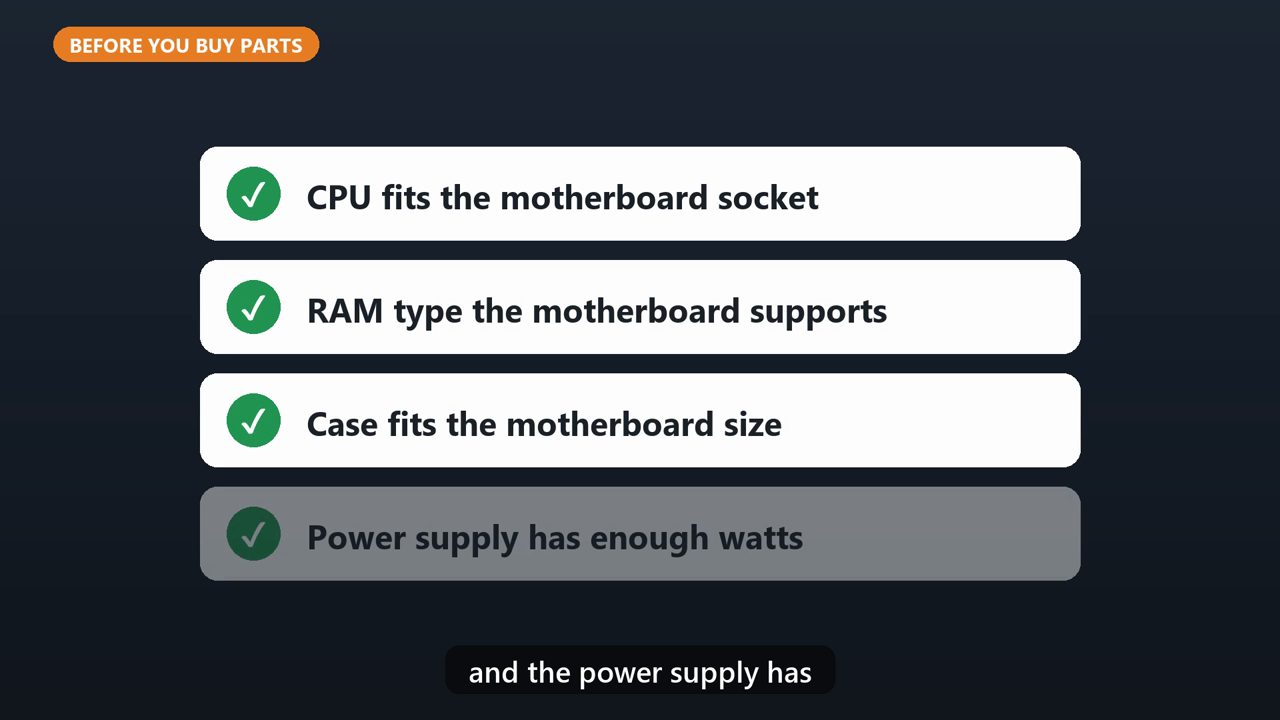
If you're building one, the parts have to match. Check that the processor fits the motherboard's socket, the memory is the type your motherboard supports, the case fits the motherboard's size, and the power supply has enough watts for everything.
Tools that make this easier
Simple Google Sheets + Excel tools from WiscHaven. Buy once, no subscription.
Sources
Checked against the official sources above. Steps can change as apps update - tell us if something looks different: wischavenindustries@gmail.com