How-To Guides · Tech help
Turn On iPhone Stolen Device Protection (Before You Need It)
If someone steals your iPhone and knows your passcode, they could get into a lot. Stolen Device Protection makes that much harder. Here's what it does, and how to turn it on, from Apple.
1. What It Does
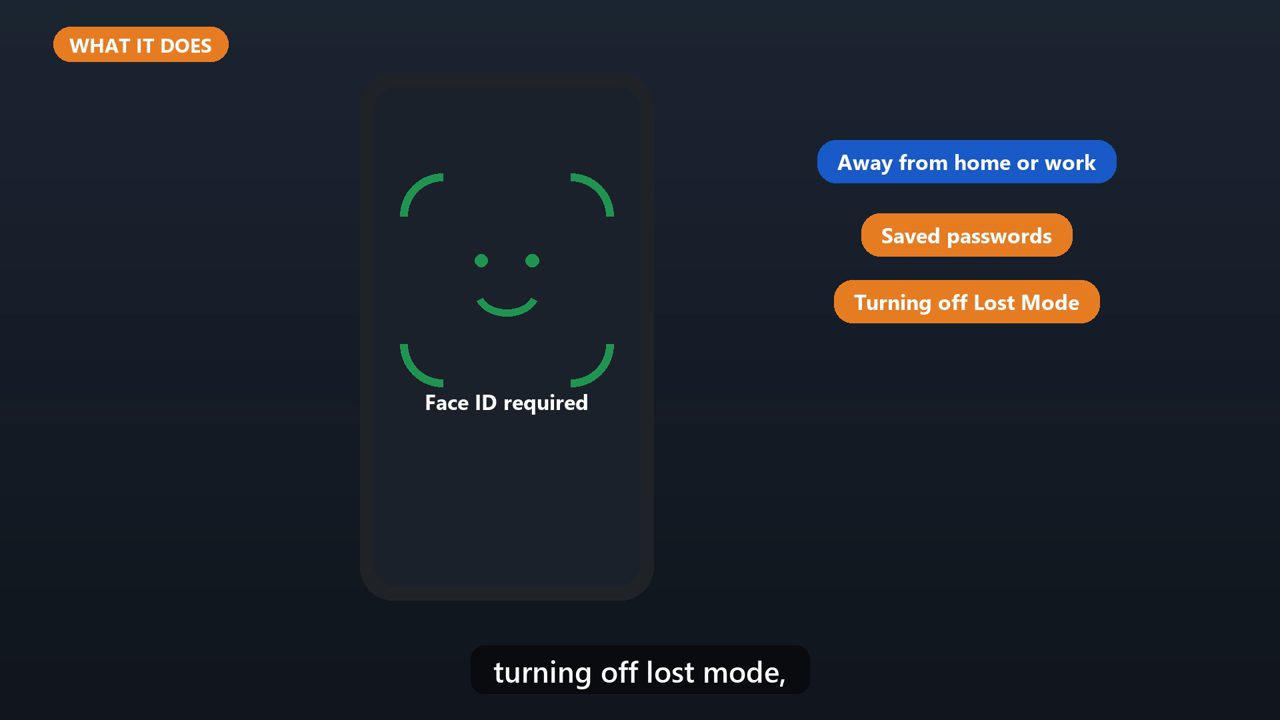
When your iPhone is away from familiar places, like home or work, some actions need your face or fingerprint. Your passcode alone won't work. That includes using saved passwords, turning off lost mode, and erasing the phone.
2. The Security Delay
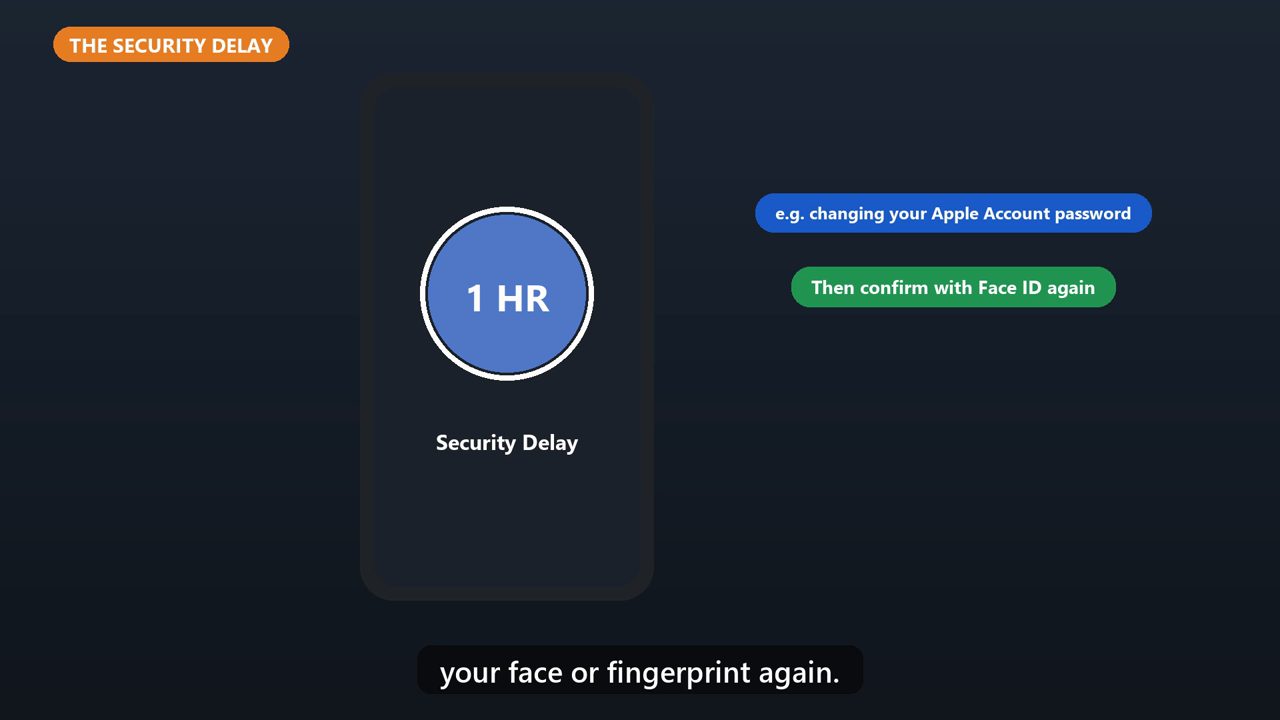
Some big changes, like changing your Apple Account password, also get a one hour security delay. Then you have to confirm with your face or fingerprint again.
3. How To Turn It On
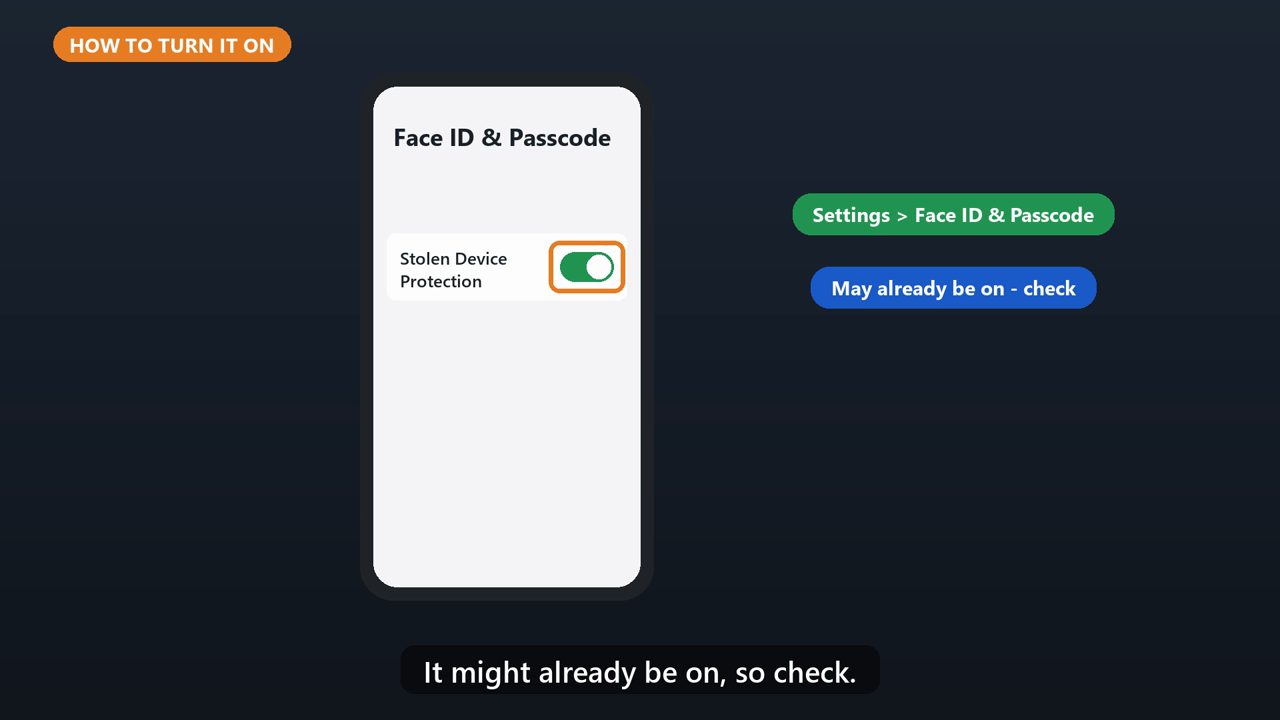
Open Settings, tap Face ID and Passcode, and enter your passcode. Then tap Stolen Device Protection, and turn it on. It might already be on, so check.
4. What You Need
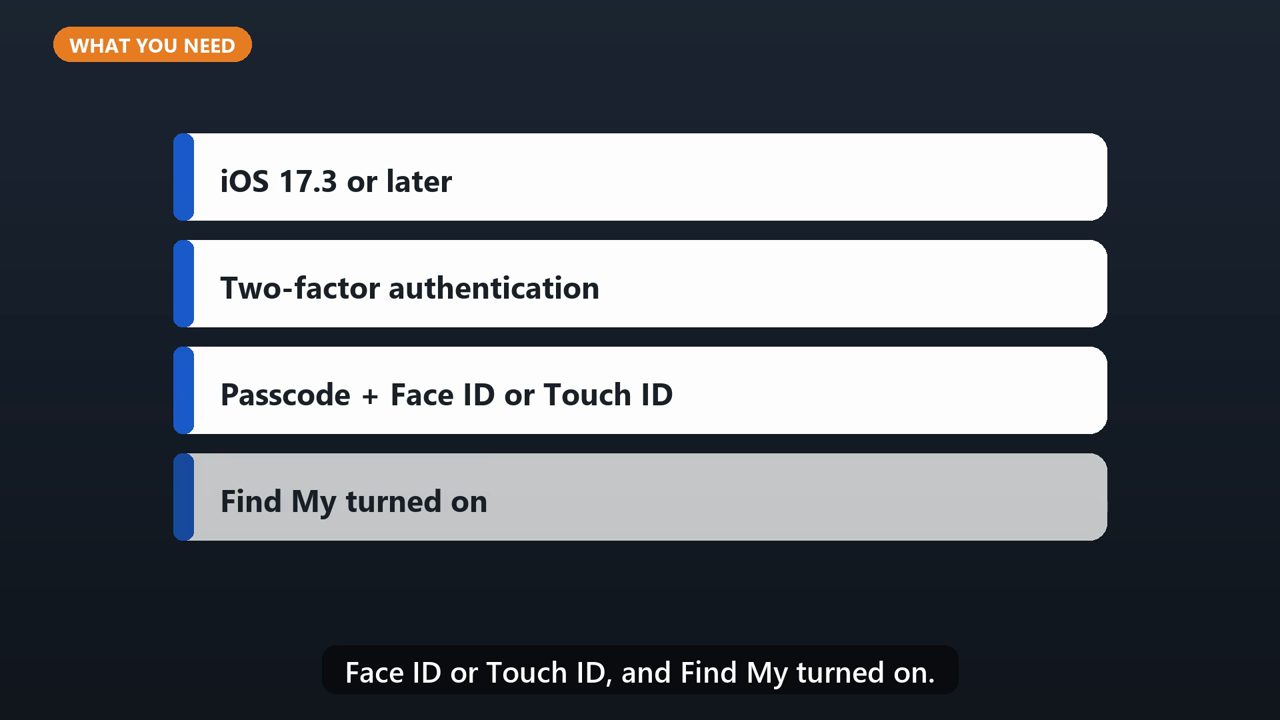
You need iOS 17.3 or later, two factor authentication, a passcode, Face ID or Touch ID, and Find My turned on.
5. Do It Now
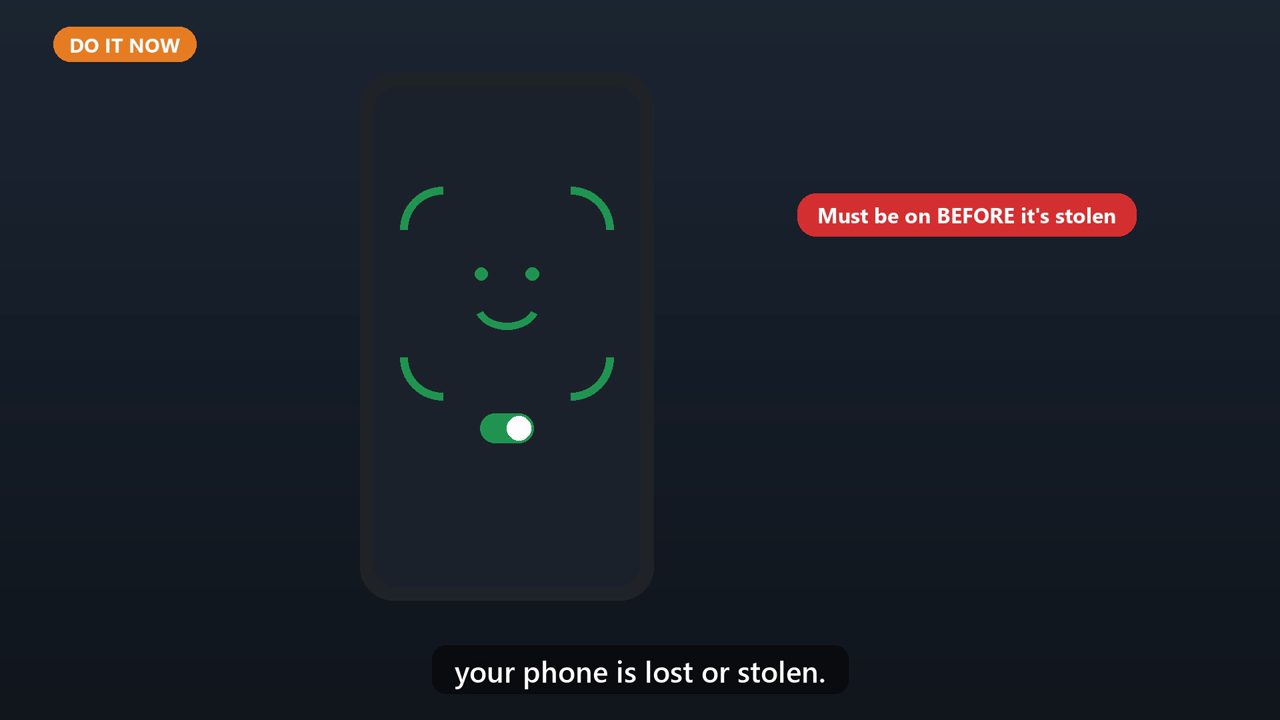
And it has to be on before your phone is lost or stolen.
Tools that make this easier
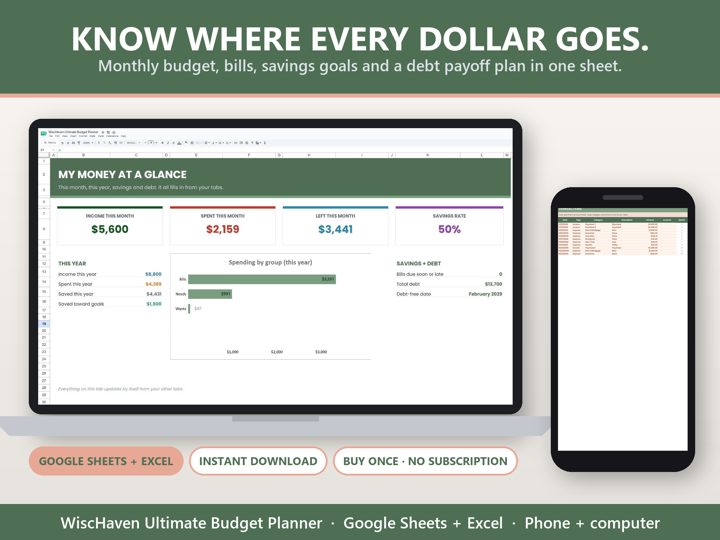
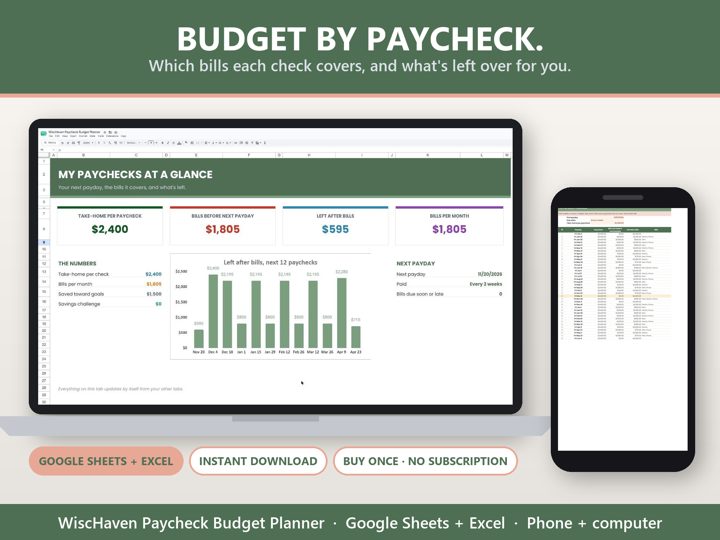
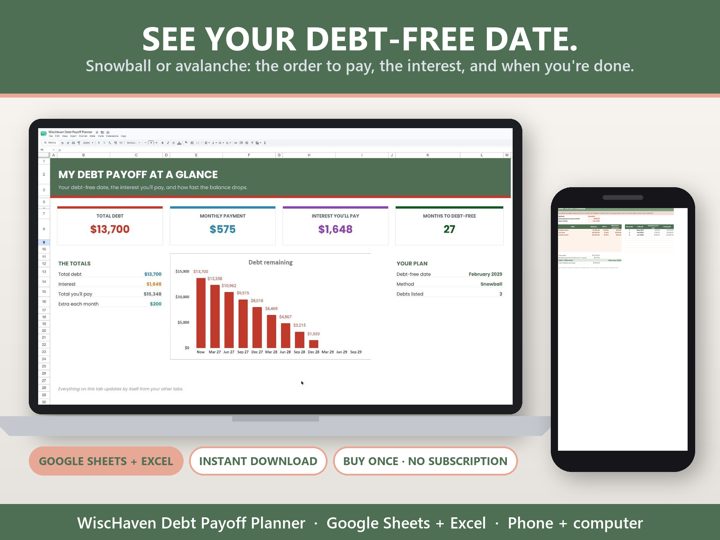
Simple Google Sheets + Excel tools from WiscHaven. Buy once, no subscription.
Sources
Checked against the official sources above. Steps can change as apps update - tell us if something looks different: wischavenindustries@gmail.com